Leave A Message
If you are interested in our products and want to know more details,please leave a message here,we will reply you as soon as we can.
submit

Blog

Home

Blog

  • USB-C Connector for Industrial Applications: Key Selection Factors
    USB-C Connector for Industrial Applications: Key Selection Factors
    Oct 23, 2026
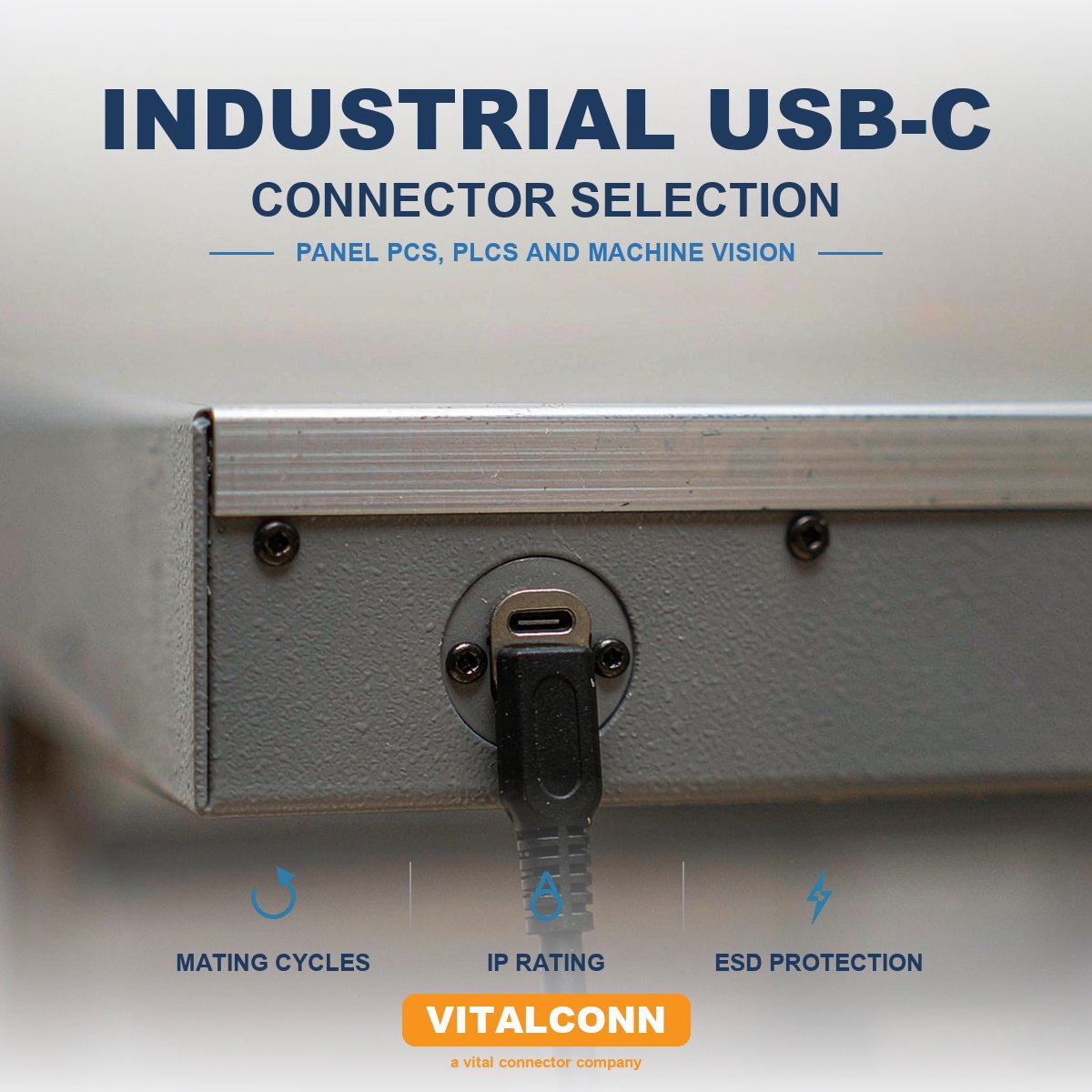
    USB-C started as a phone and laptop connector. In 2026 it is also the connector on: Industrial panel PCs and HMI displays Machine-vision cameras PLCs and IO-Link masters Rugged tablets and handhelds used in field service Test and measurement instruments Medical carts and bedside equipment Point-of-sale terminals and kitchen display systems In other words, USB-C has quietly become the default power-and-data connector for a huge amount of non-consumer hardware. That is good news for designers, because the supply chain is mature and pricing is competitive. It is also a warning, because most USB-C connectors on the market are specified for consumer environments — 5 °C to 45 °C, 5 to 10 thousand mating cycles, indoor use — and those are not the operating conditions a factory floor or an outdoor enclosure sees. This article is a working guide for engineers who need to specify a USB-C connector for industrial use. If you already understand the pinout and the 12/16/24-pin variants, the question becomes: which of those connectors actually survives an industrial environment, and what should the datasheet say that the supplier's consumer datasheet usually does not? What “industrial” really means for a connector The word “industrial” is doing a lot of work. The minimum baseline is usually: Temperature: −40 °C to +85 °C operating, with reflow up to 260 °C (SMT). Humidity / dust / water: often IP54 at the device level, sometimes IP65/IP67 with a sealed enclosure or a sealed cap. Vibration and shock: IEC 60068-2-6 (sinusoidal) and IEC 60068-2-27 (shock); the connector must not work loose, lose contact or wear prematurely. EMC: IEC/EN 61000-4-2 (ESD, ±8 kV contact / ±15 kV air) and IEC/EN 61000-4-3 / -4-6 (RF immunity). Chemicals and contamination: exposure to oils, coolants, cleaning solvents, fuels, sweat, salt spray and the like. If your design has any of these, a consumer-grade USB-C connector will fail in the field. The question is how to tell, on the datasheet, which connectors will not. 1. Mating cycles: 10,000 is the floor, not the ceiling The USB Type-C specification defines 10,000 mating cycles as the minimum durability. That sounds generous, and it is — for a phone. In an industrial setting, the connector is likely to be mated and unmated far more often than a consumer device, at higher temperatures and with more contamination. What to look at on the datasheet: Mating-cycle rating at the connector's full operating temperature range. Some suppliers only test at 25 °C. Mating and unmating force per the spec. USB Type-C specifies a mating force of 5–20 N and an unmating force of 8–20 N. If the connector sits at the high end (20 N), the field operator will get tired of plugging it in — and they will not plug it in, which is its own kind of failure. Wear behaviour of the contact and shell. The shell is the part that wears first; stainless-steel shells outlast brass-nickel shells by a wide margin in high-cycle environments. Latching and locking features. Standard USB-C is friction-latched. For vibration or rough handling you want either a screw-locked variant (the USB-C screw-lock pattern, which adds M2 mounting screws around the receptacle) or a panel-mount variant with a retention feature. If your industrial design uses an external cable that may get pulled, do not rely on the USB-C friction latch alone. Specify a cable with a screw-lock and a mating receptacle that accepts it, or a panel-mount receptacle with mechanical strain relief. 2. Ingress protection: IP54 at the device, IP65/67 at the connector USB-C is not waterproof by design. The receptacle is a precision-machined opening with a deep cavity; water, dust and contamination can sit at the back of the cavity and short signals or corrode contacts. The system-level IP rating is what matters — but it is decided by the connector + the housing + the cable + the cap (if any). Industrial designs typically achieve IP54 (dust-protected plus splashing water) at the device level with a standard USB-C connector and a careful gasket design. To reach IP65/IP67 (dust-tight plus water jet or temporary immersion), the choices are: A sealed USB-C receptacle with an internal O-ring or gasket against the housing, plus a cap that closes over the connector. A USB-C connector with a sealing cover that engages automatically when the cable is removed. A panel-mount receptacle with a separate sealing shroud. There is also a market for M12-to-USB-C adapters that move the USB-C signals out of the wet zone into an M12 connector (A-coded, D-coded or X-coded for higher speeds). This is the right answer if the application is genuinely wet and the cable is part of the system, but it adds a connector transition and a cable. Connector IP ratings are for the mated assembly, not an unmated opening.If you are using a USB-C receptacle in an enclosure that will be washed down, do not rely on the connector's own IP rating alone — design the gasket and the cap into the housing. 3. Current rating and Power Delivery: how much power, how clean Industrial USB-C applications usually involve one of two power profiles: 5 V / 0.5–1.5 A for sensors, IO-Link masters, simple HMI panels and any device that does not need a high-current USB-C charger. 5 V / 3 A, 9 V / 3 A or higher, with USB PD negotiation, for tablets, panel PCs, displays and PoE-like applications. The connector's role is to carry the power and signal with the temperature rise the spec allows. The spec is a hard one: the mated pair's temperature rise must not exceed 30 °C above ambient at rated current. A USB-C connector rated at 3 A is a different part from one rated at 5 A, and the difference is in the VBUS pin cross-section, the plating, the housing's thermal conductivity and the contact normal force. What to specify: Rated current per pin — typically 1.25 A or 1.5 A for VBUS/GND on a 5 A-rated part; 0.5 A for a 0.9 A-rated part. Temperature-rise curve at the worst-case current and ambient, not at 25 °C. Plating thickness in the contact area (see section 4). High-current variants. For 5 A / 100 W applications, the connector must be a part designed for it. A 3 A USB-C part can carry 5 A briefly, but the connector will overheat and the warranty claim will arrive first. For the full 100 W USB PD story, including contact design and thermal layout, see USB-C Connector for 100W Power Delivery. 4. Contact plating: where consumer and industrial diverge Most USB-C datasheets quote a “gold flash” or 3 µin in the contact area, which is fine for consumer use. Industrial use needs more. 30 µin (0.76 µm) gold over 50–100 µin (1.27–2.5 µm) nickel is a typical industrial baseline. Selective gold in the contact zone, with tin-lead or tin on the solder tail, is normal. Avoid gold over tin — it creates brittle intermetallics at the reflow joint. Shell plating. Stainless steel shells are best for wear and corrosion. Nickel-plated brass shells are common in cost-driven designs and acceptable in benign environments. Mixed flowing gas testing. The best predictor of long-term corrosion is a mixed flowing gas test per IEC 60068-2-60 or Telcordia GR-1217-CORE. If the supplier cannot quote MFG exposure data, ask for it. A second plating detail that matters: the CC (configuration channel) pins. These negotiate USB-C orientation, role and current, and they carry the 5.1 kΩ or 56 kΩ pull-down/up that defines the role. A dirty or worn CC pin means a device that does not enumerate, or a charger that does not deliver the right voltage. Make sure the CC pins are gold-plated to the same thickness as the high-speed pins, not given the “flash” treatment. 5. Vibration, shock and mechanical retention USB-C was designed for hand-held devices. It tolerates typical consumer vibration, but industrial vibration is in a different league. Specific risks: Fretting corrosion at the contact interface — the slow, mechanical wear caused by micro-movement at the contact, accelerated by heat and humidity. It shows up as rising contact resistance over months. Latch wear. The USB-C friction latch is a small stamped feature in the cable plug overmold. It wears. Solder-joint fatigue. Vibration in the 10–500 Hz range, sustained, can crack the solder joints of an SMT USB-C receptacle if the PCB is not mechanically supported. What to look for: High contact normal force — the spec leaves room for this; the designer's job is to use the upper part of the range. Higher normal force resists fretting but increases mating force. Mechanical support features — through-hole board stakes (“kinked” leads or solder nails) that take stress off the SMT pads. VITALCONN USB-C receptacles for industrial use ship with hybrid SMT + through-hole leads as standard, because the field history of pure-SMT USB-C under vibration is not good. Panel-mount variants for applications where the connector is the mechanical interface to the enclosure. These move strain away from the PCB. Compliance with IEC 60068-2-6 / -27. Ask the supplier for the actual test report, not a generic statement. “Industrial grade” is a marketing word; vibration test data is not. 6. ESD, surge and EMC Industrial environments are electrically dirty. The USB-C connector is the cable-side entry point for ESD and surge, and it is a small, high-impedance target. The connector itself does not protect you — the protection circuit does — but the connector's geometry affects how easily energy reaches the protection devices. ESD. A USB-C connector mounted at the edge of a chassis with the shell well-bonded to chassis ground shunts ESD to chassis before it reaches the signal pins. A connector mounted on a plastic bezel with a long, thin ground trace will not. Layout matters more than the connector. Surge. For outdoor or long-cable runs, surge protection is required on VBUS and the data lines per IEC 61000-4-5. The connector is a path, not a barrier. Common-mode choke and ESD TVS. USB-C high-speed lanes need a common-mode choke for EMI compliance and a TVS array for ESD. Place them close to the connector — the closer, the more effective. Shielding. A fully shielded USB-C receptacle with a 360° shell, properly stitched to the PCB ground plane with multiple vias, keeps emissions inside the box and ESD out. An unshielded or partially shielded receptacle will not. For a 24-pin USB-C receptacle in a 10 Gbps or 20 Gbps design, the signal-integrity story is also part of EMC. See USB-C Signal Integrity at 10 Gbps and 40 Gbps for the parameter set, and USB-C Pinout Explained for the role of the CC and SBU pins in PD and high-speed multiplexing. 7. Housing, plating and the long-term heat soak Industrial electronics are often sealed, and a sealed enclosure traps heat. A USB-C connector rated to 85 °C operating in still air at the bench may run 10–15 °C hotter in a sealed metal box with a 30 °C ambient. The datasheet should give a derating curve, not a single number. Housing material: LCP (liquid crystal polymer) is the standard for high-temperature USB-C receptacles because it survives lead-free reflow and stays dimensionally stable at temperature. PBT and PA66 are used in lower-cost designs but have lower continuous-use temperatures. UL94 V-0 is the minimum flammability rating for industrial electronics; some applications require V-0 with a glow-wire ignition temperature rating per IEC 60695-2-11. If the design includes a panel-mount metal shell, the shell material matters: Stainless steel — best for wear, corrosion and high mating cycles. Brass with nickel plating — lower cost, acceptable for indoor industrial use. Copper alloy with tin — rare on the connector body, common on the shield tabs. 8. The standards that actually matter for industrial USB-C A few standards and certifications are not optional for industrial USB-C: USB Type-C Cable and Connector Specification (current release R2.x) — defines the receptacle, the plug, the pinout, and the electrical and mechanical limits. USB Power Delivery Specification (R3.1 with EPR) — defines how voltage, current and roles are negotiated. IEC 62680-1-3 — the international adoption of the USB Type-C spec. IEC 62368-1 — audio/video and ICT equipment safety. The creepage and clearance from VBUS (up to 48 V under EPR) to SELV circuits and to chassis is a compliance item. UL 1977 — connector safety standard, often cited in industrial-equipment BOMs. RoHS, REACH — the usual environmental compliance. For specific verticals: EN 50155 (rail), IEC 61850-3 (substation), ISO 7637-2 (automotive), IEC 60601-1 (medical). The connector vendor will not be the certifying body for these, but they need to provide the data the integrator needs. Industrial USB-C selection snapshot Decision What to specify Common consumer default (avoid) Operating temperature −40 °C to +85 °C minimum, with derating curve 0 °C to +70 °C, no derating Mating cycles 10,000 per spec, verified at temperature Tested at 25 °C only IP rating System-level IP54 minimum; IP65/67 for outdoor IP20 / not rated Plating 30 µin gold / 50 µin nickel, MFG-tested Gold flash Current rating 5 A if you need 100 W PD, with temperature-rise curve 0.9 A or 3 A at 25 °C Shell material Stainless steel preferred Nickel-plated brass Mechanical retention Hybrid SMT + through-hole stakes SMT only Latching Friction + screw-lock or panel retention Friction only Standards USB-IF, IEC 62680-1-3, IEC 62368-1, UL 1977 USB-IF only Vibration / shock IEC 60068-2-6 / -27 with test report “Industrial grade” with no data Frequently Asked Questions (FAQ) Can I use a standard USB-C receptacle on a factory floor? Maybe, if the enclosure is sealed to IP54, the connector is not in the wet zone, and the temperature stays within the consumer range. Otherwise, no — specify an industrial variant. Is a screw-lock USB-C really necessary? If the cable can be pulled, the device can be moved, or there is sustained vibration, yes. The friction latch is for hand-held consumer use, not for moving industrial equipment. What is the most common industrial USB-C failure mode? In our experience: CC pin contamination, then shell wear at the front lip, then solder-joint fatigue on SMT-only mounting. All three are addressable in connector selection. Does a 24-pin USB-C connector cost significantly more than a 16-pin? Yes — a 24-pin connector has more contacts, more shielding and tighter tolerance. For applications that do not need USB 3.x high-speed data, a 16-pin USB 2.0 variant is a legitimate cost-down. How do I get a USB-C connector that survives an outdoor enclosure? The connector is only one part of the system. Pair it with a sealed housing, a sealed cap for the unmated state, and proper EMC/ESD layout. The connector is the entry point; the housing is the system. VITALCONN ships USB Type-C receptacles in 6-pin, 16-pin and 24-pin variants, in industrial temperature range, with hybrid SMT + through-hole mounting, in single-port and multi-port configurations. Browse USB-C connectors, or send your pin count, current rating, data rate and operating environment — we will come back with a shortlist and the test data behind it. Browse USB-C Connectors Send Your Spec
    Read More

  • SFP Cage for Data Centers: EMI, Thermal and Density Considerations
    SFP Cage for Data Centers: EMI, Thermal and Density Considerations
    Oct 21, 2026
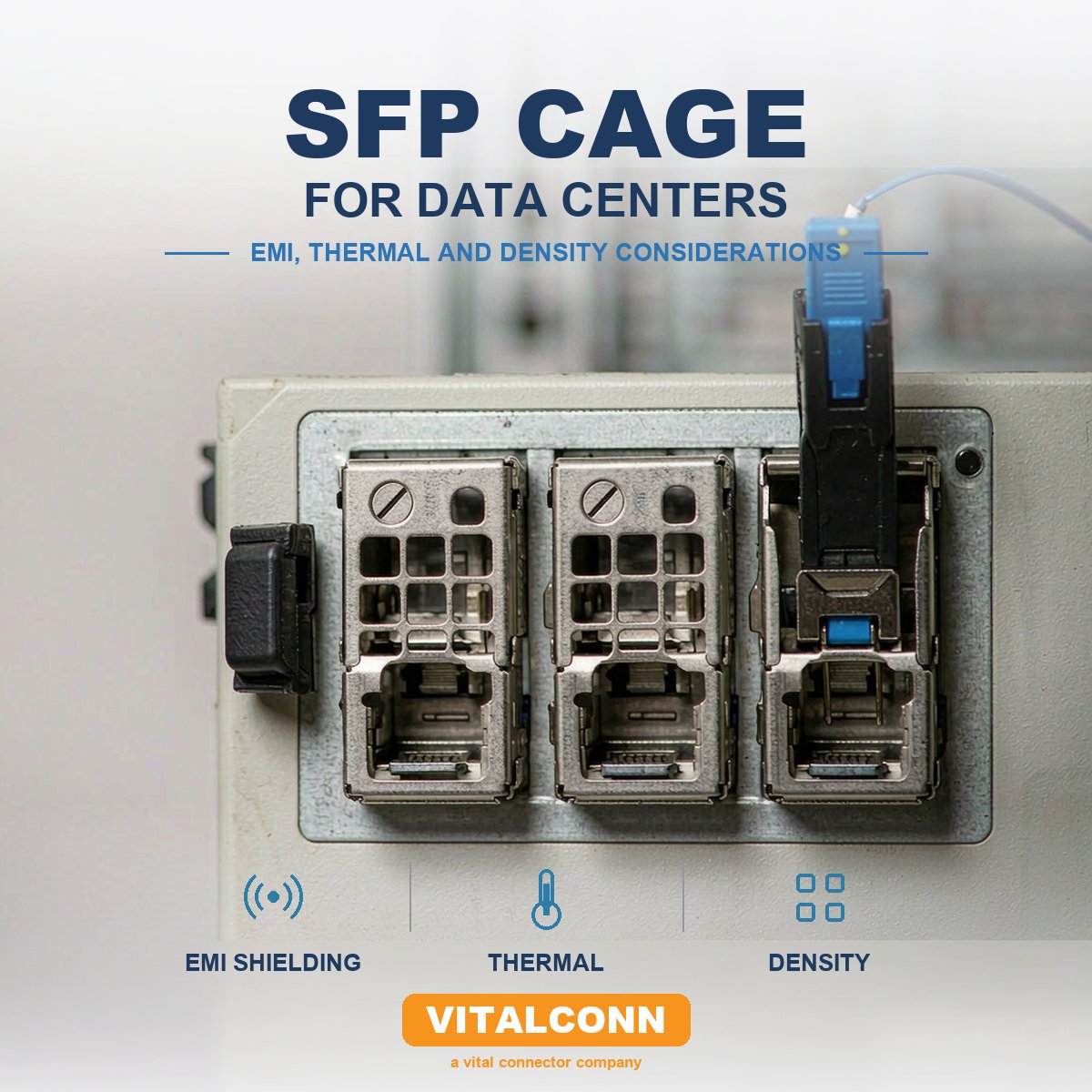
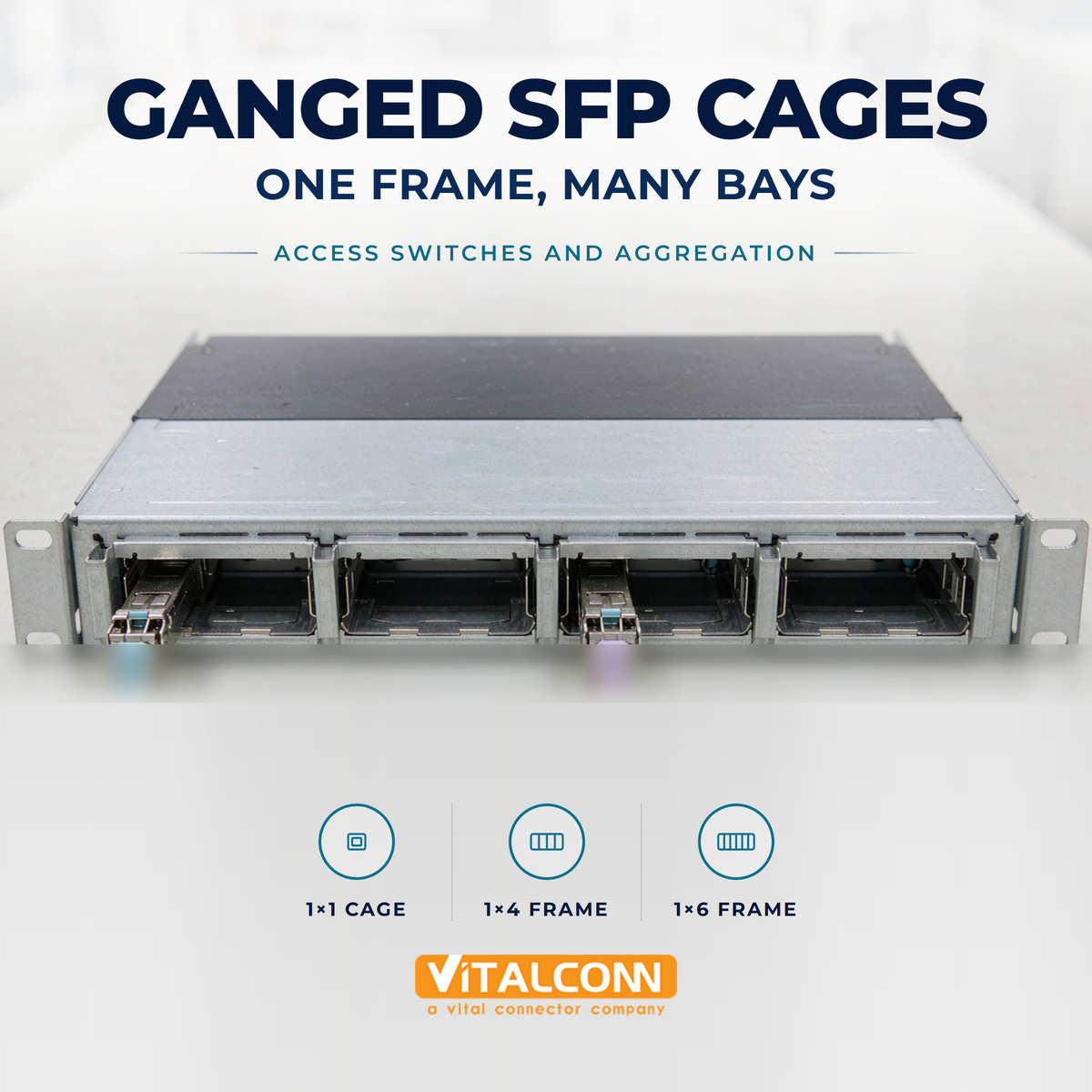
    A 1U ToR switch in a modern data center commonly holds 32, 48 or even 54 SFP/SFP+/SFP28 ports. Walk into any hyperscale white space and you will see the same chassis pattern repeated row after row: dense faceplates, identical cages, light pipes blinking, EMI gaskets, heatsink fins sticking out the back. None of that is accidental. It is the result of a handful of engineering trade-offs baked into the SFP cage. This article walks through the three considerations that decide whether an SFP cage works in a data center switch: EMI, thermal and density. It assumes you already understand the SFP cage basics and the difference between SFP and SFP+ cages; here we focus on what changes when you go from a 12-port edge device to a 48-port ToR. Why data-center SFP cages are a different problem A data-center switch is, in a sense, just a big cage problem. Three forces act on the cage simultaneously: The same 19-inch 1U height that has defined telecom hardware for thirty years. Switching ASICs that can drive 32–64 SERDES lanes at 10G, 25G or 50G per lane. A thermal envelope of 200–500 W per 1U, often with port-side air intake and back-to-front or front-to-back airflow. The cage has to hold the optical or copper module mechanically, route the high-speed signal from the module paddle card to the host PCB, dissipate the heat the module generates, and not leak RF out of the chassis. Most data-center cage failures are not “the cage broke” — they are “the cage didn't help the system pass emissions” or “the cage couldn't move enough heat at 70 °C inlet.” That is why the cage specification lives between the mechanical, signal-integrity, thermal and EMC teams. It is one of the few components in the BOM that all four care about. 1. Port density: 1×N, ganged cages, and belly-to-belly The first decision is port pitch and topology. For a long time, the de facto data-center pitch was about 14 mm per SFP port, set by the SFP MSA's mechanical envelope. As port counts went up, the industry moved to two refinements. Ganged cages A 1×4 or 1×6 cage is a single piece of sheet metal that holds four or six modules side by side, sharing the front bezel cutout. Ganged cages: Reduce the number of individual parts on the assembly line. Improve EMI performance, because there are no gaps between adjacent ports at the bezel. Speed up assembly and improve bezel flatness. Belly-to-belly (B2B) cages These are double-sided ganged cages with two rows of ports facing in opposite directions. A 1U switch with belly-to-belly cages can host 48 ports in a 1U chassis, with 24 ports on the front and 24 on the rear, or front-only 48 ports using a B2B assembly where the second row is on a daughter card. The internal structure is two cage rows, each with its own port count, joined by a shared center spine. The trade-off is serviceability and airflow. A B2B arrangement typically means a split air path, and it is harder to repair at the port level; airflow has to be designed around it, not into it. For ToR switches that target 25G/100G, the de facto answer is a ganged 1×6 cage in a 6-wide B2B configuration, giving 48 ports in 1U with front panel access. That configuration is now standard enough that most suppliers — including VITALCONN — carry it as a stock part. For a broader look at cage options, see SFP Cage Port Configuration. 2. Thermal: the part most teams under-budget SFP modules are not very power-hungry on paper. Real numbers, drawn from the SFP MSA power classes and typical vendor datasheets: Module type Power class (typical) Module dissipation (typical) 1G SX/LX SFP Class 1 0.5–1.0 W 10G SFP+ SR/LR Class 1 / 2 1.0–1.5 W 25G SFP28 SR Class 2 1.5 W 25G SFP28 LR / ER Class 2 / 3 1.5–2.0 W 10GBASE-T SFP+ (copper) Class 3+ 2.5–3.5 W That looks harmless — until you multiply by 48 ports inside a 1U chassis. A 48 × 1.5 W switch is already 72 W of heat coming out of the cage face, and that does not include the cage itself, the SERDES, or the switching ASIC. The MSA sets a case-temperature envelope, not a power envelope.Most SFP modules are specified to operate with case temperature from 0 to 70 °C in the commercial range and −40 to +85 °C in the industrial range. The supplier tests the module at 70 °C ambient with defined airflow. If your switch blows hot air across the cage from neighbouring ports, the module's “70 °C” spec is meaningless. Cage-level thermal design choices: Cage material and thickness. Most data-center cages are C7025 copper alloy or stainless steel, 0.20–0.30 mm thick. Copper-alloy cages conduct heat from the module top and sides into the cage body, then into the airflow. Stainless is stiffer but a worse conductor; it is sometimes paired with a thermal pad that bridges the module to the cage. Thermal interface material (TIM). A gap pad between the module's top and the cage's inner wall is the single most effective thermal intervention. Look for 1–3 W/mK silicone or higher-end graphite pads. The compression set of the pad matters; a pad that bottoms out stops working. Heatsink. Some cages accept a clip-on or integrated heatsink. The “riding heatsink” pattern, where the heatsink sits on the module and is held by the cage's top opening, is the standard solution for 25G LR/ER modules. Airflow. ASHRAE classes A1/A2/A3/A4 define the data-center inlet temperature envelope — A1 is 15–32 °C, A4 is 5–45 °C. At the high end, “30 °C inlet” turns into “60 °C at the cage mouth,” and 1.5 W per port starts to matter. Module case-temperature monitoring. SFF-8472 (digital diagnostics monitoring, DOM) lets the host read the module's internal temperature. Use it — it is the only ground truth on whether the cage is doing its thermal job, and it costs nothing. For a deep treatment of this topic, see SFP Cage Thermal Management. 3. EMI: keeping the cage closed to the outside world EMI in a high-density switch is what the bezel feels like, not what the cage is. The cage is one part of an EMI system that also includes the bezel cutout, the gasket between cage and bezel, the gasket between module and cage, and the host PCB's chassis-ground strategy. Why it matters in a data center specifically: FCC Part 15 and EN 55032 set radiated-emissions limits for IT equipment. A 48-port switch with 48 openings of about 14 × 70 mm each is a perforated sheet-metal problem; the cage's job is to make those openings look small to RF. Modern SERDES run 25–28 GBd NRZ or 50+ GBd PAM4. The cage and module together are a resonant cavity, and the front of the cage is the most likely leakage path. The cage, the module's outer shell and the host bezel must all sit at chassis ground — and at high frequency, not just at DC. Practical things to look for in the cage datasheet: EMI spring fingers or gasket features at the front lip of the cage, where it meets the bezel cutout. These are usually beryllium-copper or stainless fingers formed into the cage itself; some cages integrate a conductive elastomer gasket. Module-retaining features that also contact the module body. The module's outer shell is the second gasket surface; if the cage's spring contacts are weak, the module's chassis-ground path is weak. Light pipes that are EMI-tight. A plastic light pipe in front of the cage is a hole in the shielding. Better designs use a metallised light pipe, a shielded light-pipe assembly, or route the light to the bezel through a small aperture with a tuned waveguide below cut-off. Dust / EMI plugs. Empty ports are the most common reason a data-center switch fails its emissions test. Specified correctly, an unpopulated port should be fitted with a dust plug that contains a conductive gasket — the EMI plug is part of the cage architecture, not an accessory. For a deeper treatment of the shielding options — EMI fingers, full-shield cages, gasket materials — see SFP Cage EMI Shielding. 4. Signal integrity: the cage is part of the channel This is the part that surprises people who think of the cage as a “mechanical” component. The SFP cage and its host connector together form an electrical channel from the module's edge finger to the host SERDES. At 10G NRZ the channel is forgiving; at 25G NRZ it is not; at 56G/112G PAM4 the cage is one of the largest discontinuities in the link. What the cage contributes to signal integrity: Connector-to-paddle-card alignment. The host SFP connector (the 20-position SMT connector inside the cage) makes contact to the module's edge fingers. Misalignment shifts the impedance at the transition. Paddle-card pad design. Most data-center cages route signals on a small paddle card that the SFP connector terminates into. That paddle card is a controlled-impedance structure; the host SERDES traces need to mate to it with the right stack-up, length matching and reference plane. Ground-spring behaviour. The cage's contact with the module's chassis ground affects the high-frequency return path. Weak contact here shows up as resonance in the S-parameters. What to ask a cage supplier for a 25G/100G design: S-parameter models (Touchstone .sNp) of the cage + host connector + paddle-card reference design, ideally with model-to-measurement correlation. Recommended paddle-card stack-up and trace geometry. Skew budget between the host connector and the SERDES. For 50G/100G PAM4 cages, characterisation to at least 26.5625 GHz — older 10G cages are not characterised that far. A SFP28 module will physically fit in an SFP+ cage, and a SFP+ module will physically fit in an SFP28 cage — the MSAs are mechanically compatible. The electrical performance is the difference, and that lives in the cage's host connector and paddle-card design. That is why the part selection changes at 25G even if the face of the chassis does not. 5. Mechanical and assembly details that matter at scale A 48-port cage that cannot be assembled cleanly is a 48-port rework problem. Press-fit vs solder. Press-fit SFP cages are common in data-center designs because the through-hole press-fit pins survive more reflow cycles when a paddle card is added or replaced. Solder-tail cages are still used in lower-cost designs and in some 1×1 cages. Bezel-cutout tolerance. A ganged cage's bezel features dictate the front-panel cutout. If the cutout is off, the EMI gasket does not seal and the system fails emissions. Lock the cutout drawing to the cage part number early. Module retention. The MSA requires a specific latch and pull-tab force. Cages with integrated pull tabs are the data-center default. Some designs add a thumb-latch feature for easier service; verify that it does not change the latch retention force. Light-pipe length. Light pipes ship as a separate part in most cage designs; some cages integrate them. The pipe length, the LED placement on the host board and the bezel aperture all need to be designed together. Tooling for belly-to-belly. B2B cages are not a stock part in the same way 1×1 cages are. Pin-out, paddle-card interface and bezel cutout need to be locked with the supplier, not improvised. Data-center cage specification snapshot Decision Default for 25G/100G data center Alternative / notes Cage form Ganged 1×6 belly-to-belly (48 ports / 1U) 1×4, 1×2 for smaller boxes Mounting Press-fit through-hole Solder tail for cost-driven builds Body material C7025 copper alloy, 0.25 mm Stainless for harsh environments Plating Nickel underplate + tin-lead or gold on contact Lead-free per RoHS is standard EMI sealing Integrated spring fingers + dust/EMI plug for empty ports Conductive elastomer gasket for high-end Thermal Gap pad between module top and cage wall Riding heatsink for 25G LR/ER and 100G Host connector SMT, 20-position, SFP+ / SFP28 compatible Press-in variants for paddle-card designs Light pipe Integrated, metallised, EMI-tight External LED with light pipe if simpler Paddle card Reference design from cage vendor Custom stack-up possible; coordinate with SERDES team Module retention Integrated pull tab with MSA-compliant force Thumb-latch variants available Frequently Asked Questions (FAQ) Can I use a 10G SFP+ cage for 25G SFP28 modules? Physically, yes. Electrically, it depends on the cage's host connector and paddle-card design. Many 10G cages are good enough for 25G; some are not. Ask the supplier for S-parameters and a 25G compliance report, not just a 10G one. Do I need a belly-to-belly cage for 48 ports in 1U? Not necessarily — but it is by far the most common way to get there. The other option is a single row of 48 ports on a custom faceplate with very tight pitch, which is mechanically harder and worse for EMI. What is the most common data-center emissions failure? Empty ports without EMI plugs. Spec the plug as part of the cage, not as an accessory. How much of the cage thermal story is the chassis versus the cage? Both. The cage controls how heat gets from the module into the airflow; the chassis controls how much and how fast that air moves. If the system is failing thermally, fix the airflow path first, then look at the cage. Is a press-fit cage always better than a solder-tail cage? For data center, usually. For a 4-port edge device at low cost, the solder tail is often the right answer. The decision is about reliability, reflow budget and rework strategy, not about electrical performance. Where to go next These related reads cover the cage decisions this article assumes you have already made: SFP Cage vs SFP+ Cage — when the cage stays the same and when it does not SFP Cage Port Configuration — ganged cages explained SFP Cage EMI Shielding — fingers, gaskets and dust plugs SFP Cage Thermal Management — heatsink, airflow and PCB Press-Fit SFP Cage — when press-fit is the right call VITALCONN supplies 1×1, 1×2, 1×4 and 1×6 SFP/SFP+/SFP28 cages, including belly-to-belly configurations, in copper alloy and stainless steel, with press-fit and solder-tail options. Browse SFP cages, or send us your faceplate layout, port count, target data rate and airflow direction — we will line up parts that match and share the S-parameter and thermal data behind them. Browse SFP Cages Send Your Spec
    Read More
  • Best RJ45 Connector for PoE Applications: What Should You Check?
    Best RJ45 Connector for PoE Applications: What Should You Check?
    Oct 19, 2026
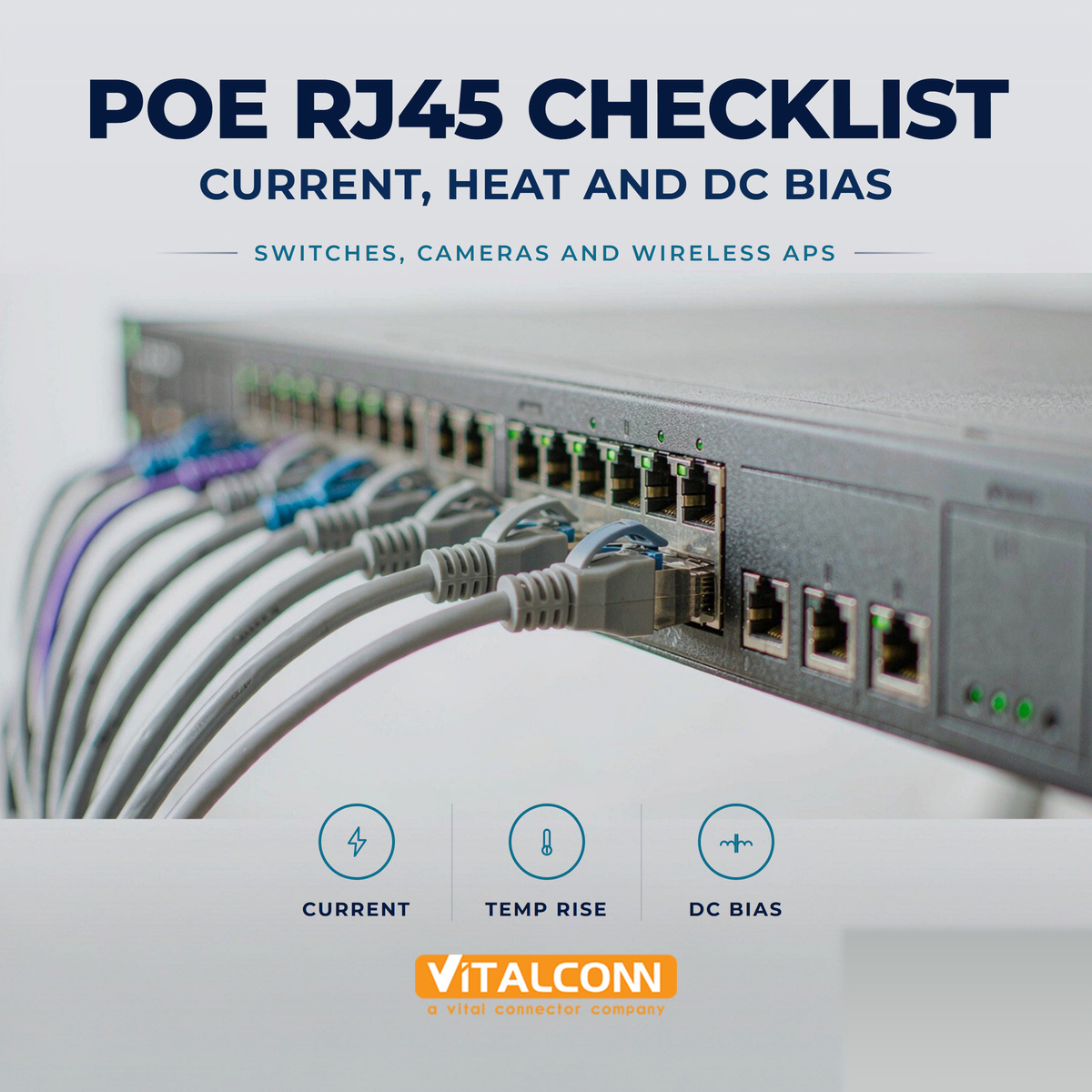
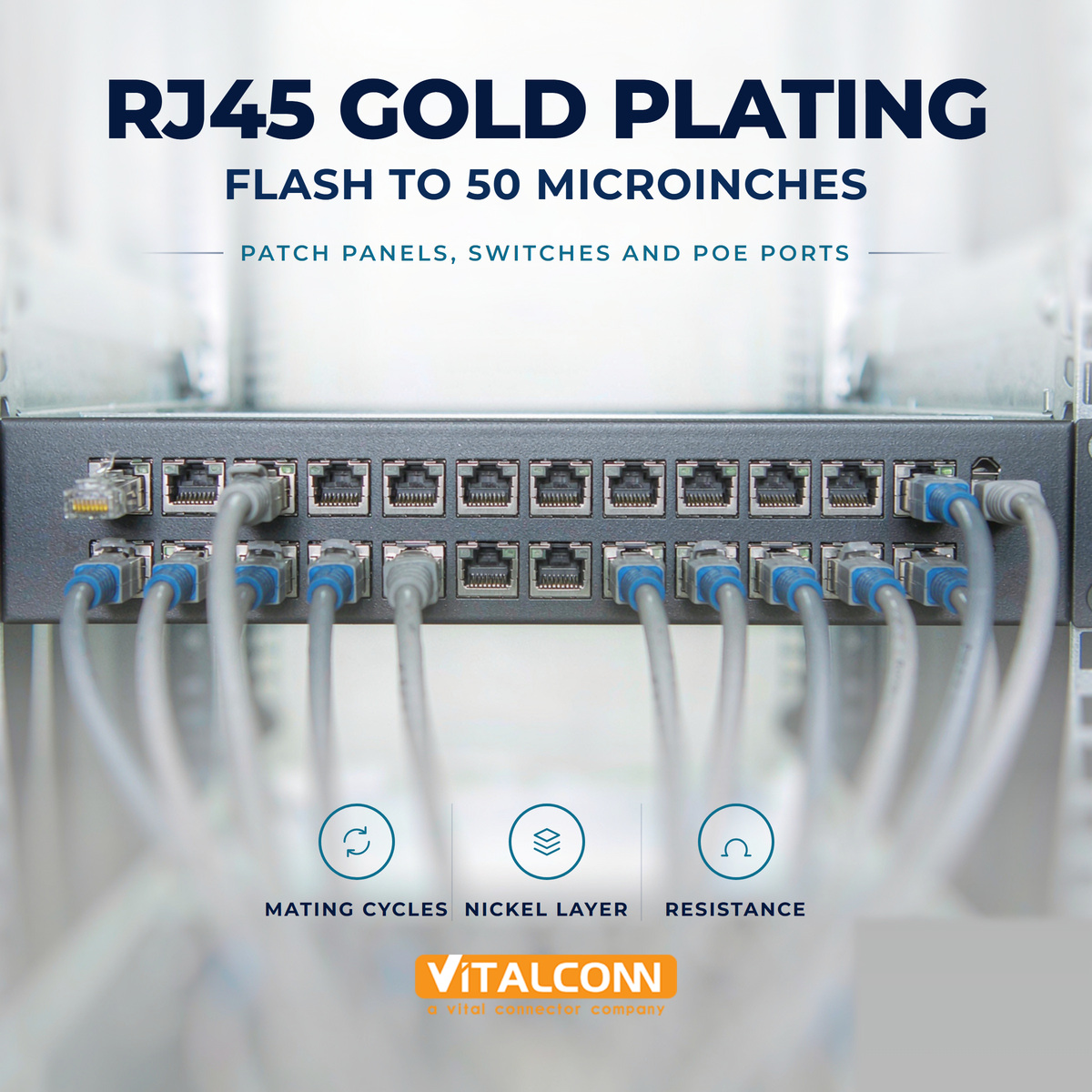
    Power over Ethernet has quietly become the default way to power network edge devices. IP cameras, wireless APs, IoT gateways, POS terminals, LED lighting controllers, industrial sensors — if it sits on a LAN and needs less than about 70 W, there is a good chance it is being powered through the same eight wires that carry the data. That convenience hides an engineering problem that most teams discover late: the RJ45 connector is usually the weakest link in a PoE channel. The PSE controller is protected, the PD controller is protected, the cable is sized by the standards — and then the port fails because of a contact, a termination, or a magnetics core that saturates under DC bias. This article is a working checklist for engineers and buyers specifying an RJ45 connector for PoE, from 802.3af through 802.3bt Type 4. If you already understand the difference between magnetic and non-magnetic RJ45, this is the next level down: what PoE specifically does to a modular jack. 1. Start from the power class, not the connector Never specify a PoE RJ45 in the abstract. Start from the maximum port power your design must deliver, then work backwards. Standard Common Name PSE Output (max) Available at PD (max) Pairing Max Current per Pair IEEE 802.3af PoE (Type 1) 15.4 W 12.95 W 2-pair 350 mA IEEE 802.3at PoE+ (Type 2) 30 W 25.5 W 2-pair 600 mA IEEE 802.3bt PoE++ Type 3 60 W 51 W 4-pair 600 mA IEEE 802.3bt PoE++ Type 4 90 W 71.3 W 4-pair 960 mA (pre-standard) UPoE / 4PPoE — — 4-pair varies by vendor Two consequences matter for the connector: Type 3 and Type 4 put current on all four pairs. There are no "spare" pairs any more. Every one of the eight contacts in the jack is now a power contact as well as a signal contact. Per-conductor current is roughly half the per-pair figure, because the two conductors of a pair share the current. For Type 4 that means about 480 mA per contact under worst-case conditions — but current sharing is never perfectly symmetrical, so the connector needs real margin. A sensible rule:Specify contacts rated for at least 1.5 A per contact for a Type 3/Type 4 port, even though the nominal current is lower. The margin absorbs contact-to-contact imbalance, plating wear over the product life, and the derating that comes with high ambient temperature. 2. Contact resistance and temperature rise are the real limits Current rating on a datasheet is a proxy. What actually kills a PoE port is heat generated at the contact interface: P = I²R. Look for these three numbers on the RJ45 datasheet and treat all three as mandatory: Initial contact resistance — typically ≤ 20 mΩ for a good modular jack. Lower is better, but what matters more is stability. Contact resistance after environmental/endurance testing — this is where cheap connectors fail. A common limit is ΔR ≤ 10 mΩ after mating cycles, thermal cycling and mixed flowing gas exposure. Temperature rise at rated current — measured per IEC 60512-5-1 (EIA-364-70). A widely used acceptance criterion is ΔT ≤ 30 K above ambient at rated current, measured on the hottest contact. Why the third one matters: modern high-density switches put 24, 48 or more PoE ports into a 1U chassis. If each port adds a few watts of local heating at the jack and the ports are stacked side by side, the middle of the port bank runs much hotter than the ends. That is a thermal-crosstalk problem, not a connector problem — but the connector specification is where you control it. Practical ask for your supplier:Request a temperature-rise test report at the actual current your port will run, at the maximum ambient temperature of your product, not at 25 °C room temperature. 3. If it is a magnetic RJ45, check the DC bias rating — this is the most common failure Most PoE RJ45 jacks in network equipment are magnetic RJ45 (RJ45 with integrated magnetics): the transformer, common-mode choke and termination resistors live inside the connector body. If yours is, PoE creates a problem that has nothing to do with the contacts. The magnetics are center-tapped, and the PoE DC current flows through the transformer windings. DC current biases the ferrite core, and biased cores lose inductance. The parameter to watch is OCL (open-circuit inductance) under DC bias. Non-PoE Ethernet magnetics are typically specified at OCL ≥ 350 µH at 8 mA DC bias — that is essentially "no bias". A PoE-rated part must hold usable inductance at hundreds of milliamps of bias. A datasheet that only quotes OCL at 8 mA tells you nothing about PoE behavior. If the inductance collapses under bias, the consequences are not catastrophic — they are worse: the port still links up at 1 Gbps and passes basic testing, then drops packets or fails at temperature, at cable length, or when the PD draws surge current. These are the field failures that cost the most to diagnose. What to require: Parameter Why it matters for PoE What to ask for OCL @ rated DC bias Inductance collapse degrades the signal OCL curve vs. DC bias, up to your max port current DC resistance per winding Direct I²R heating inside the jack Typically ≤ 0.9 Ω; lower for high-current ports Center-tap current rating The winding itself must carry the PoE current Explicit rating, e.g. 350 mA / 720 mA Isolation (Hi-Pot) PoE raises the working voltage on the MDI side 1500 Vrms / 2250 VDC, 60 s, 1 mA leakage If your design uses a discrete LAN transformer instead of integrated magnetics — common in 10GBASE-T and industrial designs — the same DC bias requirement applies to the transformer. 4. Isolation: PoE makes it harder, not easier IEEE 802.3 requires the Ethernet port to withstand isolation on the order of 1500 Vrms between the cable side and the system side. That requirement does not change with PoE — but the working voltage does, and that is what stresses insulation over time. 802.3af/at: PSE output nominally 44–57 V DC. 802.3bt: PSE output nominally 50–57 V DC, with higher available current. Add in the possibility of ground potential difference between buildings, surge events on outdoor runs, and the fact that a 60 V DC rail with hundreds of milliamps behind it is a genuine ignition source if it finds a path it should not — and the isolation system deserves more attention than it usually gets. Check on the connector datasheet: Dielectric withstanding voltage — 1500 Vrms AC or 2250 VDC for 60 s, ≤ 1 mA leakage. Insulation resistance — typically ≥ 500 MΩ or ≥ 1000 MΩ at 500 VDC. Creepage and clearance — if your product must comply with IEC 62368-1 (or the older 60950-1), the spacing between the MDI contacts and any SELV circuit or chassis metal is a compliance item, not a preference. Get the dimensional drawing and have your safety engineer review it early. 5. Plating thickness, base metal and mating cycles PoE ports are rarely plugged once and forgotten. In commercial buildings they are re-terminated during moves, adds and changes; in industrial installations they are re-mated during commissioning and maintenance. Every mating cycle scrubs the contact interface, and every scrub exposes base metal if the gold is thin. Commercial / office equipment: 30 µin (0.76 µm) gold over nickel in the contact area is usually sufficient. Industrial / outdoor / high-cycle equipment: specify 50 µin (1.27 µm), or ask for the endurance test data behind whatever thickness is offered. Base metal: phosphor bronze (C5191 / C5210) with a nickel underplate of roughly 50–100 µin. The nickel underplate is what actually stops the copper from diffusing through the gold over time; a thin or missing underlayer is a common cost reduction that shows up as rising contact resistance after a year in the field. Mating cycles: 750 cycles is the common commercial figure; look for ≥ 1000 cycles if the equipment is industrial or frequently serviced. 6. Housing material: think reflow, ambient, and long-term heat soak A PoE RJ45 sees heat from three directions: its own I²R heating, the PHY and magnetics next to it, and the chassis ambient. Reflow: if the jack is SMT or hybrid, the housing must survive a lead-free reflow peak around 260 °C. LCP (liquid crystal polymer) and high-temperature nylons such as PA9T or PA46 are the usual choices. Standard PA66 or PBT housings can deform. Operating temperature: commercial 0 to +70 °C; industrial −40 to +85 °C (or +105 °C for some designs). Verify that the datasheet's current derating curve covers your ambient. Flammability: UL94 V-0 is the baseline expectation for network equipment. If the design is a low-profile or high-density stacked jack, check that the reduced body height does not come with a reduced current rating — it often does, because there is less copper and less air space around the contacts. 7. Shielding and EMI: a PoE port is noisier than you expect Even though PoE is DC at the port, the PSE controller is a switching supply, and the DC current on the pairs can modulate the common-mode behavior of the channel. A shielded jack with a proper 360° connection to chassis ground is strongly preferred for PoE ports, especially when: The port bank sits next to switching power supplies or PoE controller inductors. The product must pass IEC/EN 61000-4-3 (radiated RF immunity), -4-6 (conducted RF immunity) or -4-2 (ESD, typically ±8 kV contact / ±15 kV air). Outdoor or long cable runs are involved, where surge per IEC 61000-4-5 is a requirement. On the PCB side, use the classic Bob Smith termination (four 75 Ω resistors tied together through a 1000 pF, ≥ 2 kV capacitor to chassis ground) unless your PHY vendor explicitly says otherwise, and keep the chassis-ground and signal-ground strategy consistent across the whole board. 8. PCB and mechanical details that decide field reliability These are the items that do not appear in a marketing datasheet but show up in field returns: Board locks / metal stakes. A PoE cable is heavier and stiffer than a plain patch cord, and in wall-mounted equipment it hangs off the jack. Through-hole jacks with metal board stakes transfer that strain into the PCB instead of into the solder joints. Solder joint geometry. For through-hole and press-fit jacks, confirm hole size and plating thickness with your fabricator before release. Press-fit is worth considering for high-reliability builds — the same arguments that apply to press-fit SFP cages apply to RJ45. Port density vs. heat. Ganged 2×N jacks put the inner ports in a thermal shadow. If the product is a 48-port PoE switch, model it; do not assume the per-port ΔT numbers add linearly. Cable-side latch durability. A broken latch on a live PoE port takes a device offline. Metal-latch or reinforced-latch variants exist for industrial use. Pair assignment. 802.3af/at allow Alternative A (data pairs) or Alternative B (spare pairs). 802.3bt uses all four pairs. Confirm your PSE/PD controller topology matches the jack's pin mapping. Quick checklist: specifying an RJ45 connector for PoE # Check Typical target 1 Contact current rating ≥ 1.5 A per contact 2 Initial contact resistance ≤ 20 mΩ 3 ΔR after endurance/environmental ≤ 10 mΩ 4 Temperature rise at rated current ≤ 30 K 5 OCL under DC bias (magnetic RJ45) Specified at your port current, not 8 mA 6 Center-tap DC current rating ≥ max port current with margin 7 Winding DC resistance ≤ 0.9 Ω 8 Hi-Pot / isolation 1500 Vrms / 2250 VDC, 60 s 9 Insulation resistance ≥ 500 MΩ @ 500 VDC 10 Gold plating (contact area) 30 µin commercial / 50 µin industrial 11 Mating cycles ≥ 750 commercial / ≥ 1000 industrial 12 Housing LCP or high-temp nylon, UL94 V-0, 260 °C reflow 13 Operating temperature Match your product's worst case, with derating curve 14 Shielding 360° shield to chassis ground Frequently Asked Questions (FAQ) Can I use a standard non-PoE magnetic RJ45 for an 802.3af port? Sometimes, for Type 1 at low current, but it is not worth the risk. The magnetics were characterised at ~8 mA of bias; a 350 mA Type 1 port is more than forty times that. Use a part with a documented PoE / DC-bias rating. Does PoE require a different RJ45 mechanically? No. The mechanical interface is the same 8P8C modular jack. What changes is the electrical rating: current, DC bias behavior, temperature rise and plating durability. Why do 802.3bt ports run hotter than 802.3at ports even at the same total power? They do not inherently — but they spread current across all four pairs, so all eight contacts generate heat instead of four. The total heat is similar; the distribution is different, and in a ganged connector the inner contacts have less ability to shed it. Is a shielded jack mandatory for PoE? Not by the standard, but it is strongly recommended for EMC performance and for outdoor or industrial installations. What single datasheet line is most often missing? OCL under DC bias. If a supplier cannot give you that curve, treat the part as not PoE-rated. Where to go next If you are specifying PoE ports in a new design, these related reads on the VITALCONN blog cover the upstream decisions this checklist assumes you have already made: Magnetic RJ45 vs Non-Magnetic RJ45 — which topology suits your port architecture RJ45 Connector Types: 1×1, 1×N and 2×N — density, height and thermal implications RJ45 Gold Plating Thickness — how much gold you actually need Ethernet Transformer for 10GBASE-T — if your design uses discrete magnetics VITALCONN supplies magnetic and non-magnetic RJ45 jacks rated for PoE and PoE++, with documented Hi-Pot, temperature-rise and DC-bias test data. Browse the RJ45 product line or send us your port specification — power class, port density, ambient temperature and mounting type — and we will shortlist parts and share the test reports behind them. Browse RJ45 Connectors Send Your Spec
    Read More
  • LAN Transformer Selection Guide: Turns Ratio, Isolation and CMRR
    LAN Transformer Selection Guide: Turns Ratio, Isolation and CMRR
    Oct 16, 2026
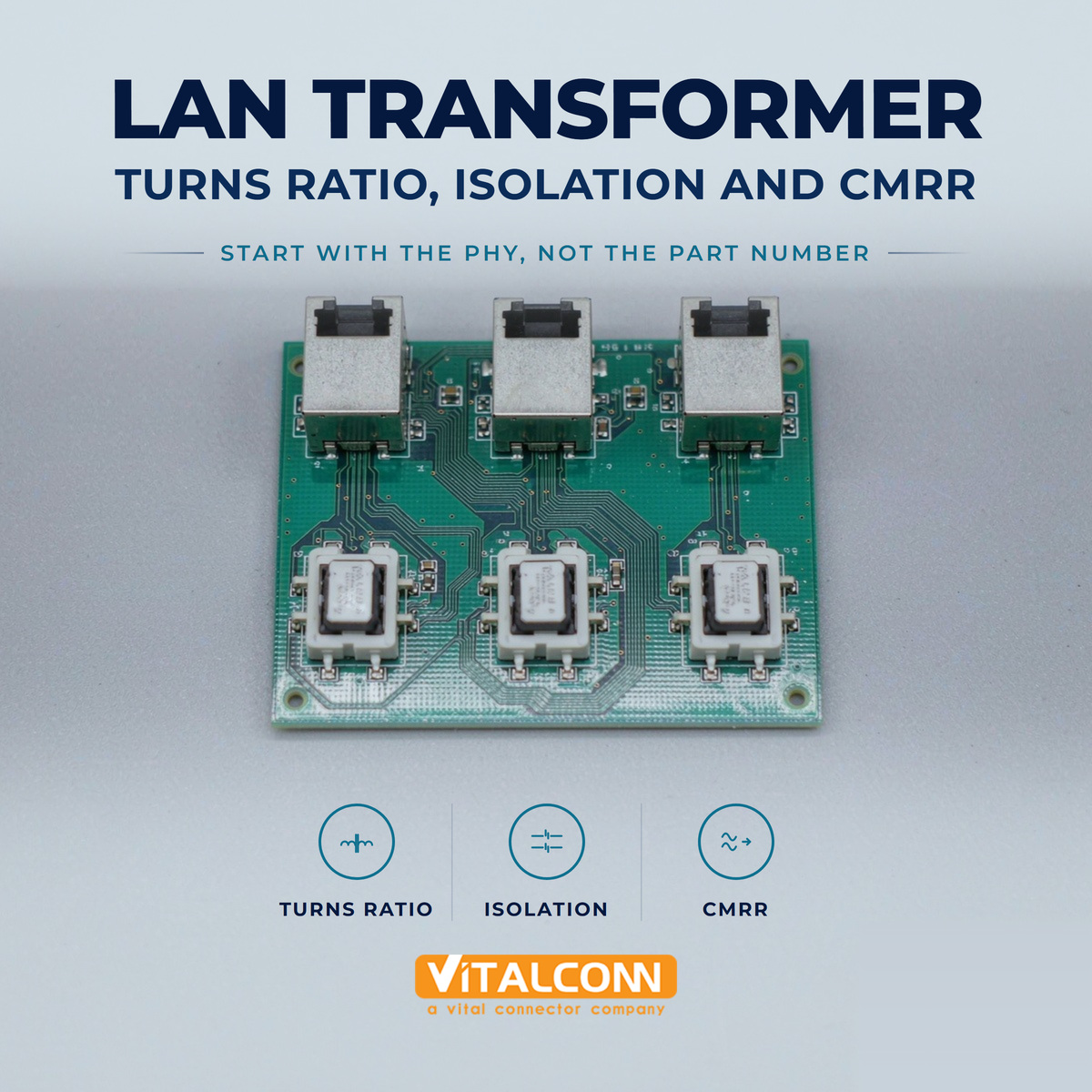
    Start LAN Transformer Selection With the PHY, Not the Part Number LAN transformer selection works best in one direction: from the PHY's requirements outward to the component. Picked the other way round, teams end up with a favourite part number and a portfolio of boards that each behave slightly differently at the margins. The PHY datasheet defines what the magnetic interface has to provide, and almost every disagreement about whether a given transformer will work can be settled there. In practice four parameters decide almost everything, and they are interdependent rather than independent: turns ratio, open circuit inductance, isolation rating and common-mode behaviour. Reading any one of them without the other three is how datasheet comparisons go wrong. If you need to refresh what the magnetic block actually does between PHY and cable before reading further, our background piece on what a LAN transformer does sets the scene. Turns Ratio: Matching the PHY and the Line Most Ethernet magnetic channels are specified as a centre-tapped one-to-one ratio on each differential pair, because the PHY-side driver and the line are designed to be impedance matched through that unity relationship. Where a PHY deviates, it will say so explicitly, sometimes recommending a different ratio to accommodate a particular drive level or receiver sensitivity. Deviating from the PHY's stated recommendation without a reason is a redesign risk with little upside. Parameter What it controls Typical specification approach Common mistake Turns ratio Signal amplitude ratio between PHY and line Per differential pair, centre tapped Choosing away from the PHY recommendation without reason Open circuit inductance Low-frequency response and droop Minimum value at a stated DC bias Comparing figures measured under different test conditions Isolation rating Safety withstand between port and system Withstand voltage for a stated duration Equating test voltage with continuous working voltage CMRR / common-mode rejection Susceptibility to common-mode noise Attenuation in dB versus frequency Comparing dB values quoted at different frequencies Also check how the centre taps are presented. In a discrete part they are separate pins with their own routing and termination requirements, and that termination, not the transformer core, frequently explains common-mode behaviour differences between two otherwise similar designs. Why Open Circuit Inductance Sets the Low-Frequency Limit Open circuit inductance, usually abbreviated OCL, describes how much magnetising inductance the winding presents, and therefore how the low-frequency end of the signal is treated. Too little and the waveform droops, which shows up as baseline wander rather than as obvious noise. Datasheets commonly quote a minimum figure in the hundreds of microhenries measured under a defined DC bias current. The test condition is the part people skip. An inductance figure quoted without the bias current used to measure it is not comparable across datasheets, because magnetising inductance falls as bias current rises. When comparing candidates, put the test conditions side by side first and only then compare the numbers. This single habit resolves more apparent contradictions than any other comparison technique. Isolation: What the Voltage Rating Does and Does Not Cover Galvanic isolation is the reason the transformer exists at all in a twisted-pair port, separating the system ground from whatever is connected to the far end of possibly hundreds of metres of cable. The headline number is a withstand rating: the voltage the part is tested to survive for a defined duration, commonly quoted in the region of 1500 Vrms for Ethernet ports. That number is a test result, not an operating condition. Treat the withstand figure as type-test evidence, not as a voltage the design may apply continuously Confirm the working voltage expectation for your application separately from the withstand rating Remember that clearance and creepage on your own board matter as much as the component rating Keep the isolation boundary clean in layout, including any circuitry that crosses it Isolation also carries a system-level implication for the products you ship. If the product is sold into a market requiring a specific safety file, the transformer's rating has to sit inside that file, which means choosing the part early enough that certification is not the surprise at the end of the project. LAN Transformer CMRR and Common-Mode Noise LAN transformer CMRR describes how effectively the magnetic channel rejects signals that appear identically on both conductors of the pair, as opposed to the differential signal carrying data. The common-mode choke integrated into the magnetic assembly does most of this work, presenting high impedance to common-mode current while leaving differential signals largely untouched. The reason to care is practical rather than theoretical. Common-mode energy arrives from switching supplies, from adjacent pairs, from ground potential differences on long runs and from external interference, and the receiver sees whatever the transformer fails to reject. Because rejection is frequency dependent, figures are meaningful only when compared at the same frequency, and the range that matters is the one occupied by the signalling you are running. Where EMI behaviour becomes the binding constraint, treat the magnetic choice and the enclosure return path as one problem. Our shielded vs unshielded RJ45 discussion covers the connector side of that boundary, and the two decisions should be made in the same review rather than in separate meetings. Insertion Loss, Return Loss and the Signal Budget Beyond the headline parameters, the channel has a budget. Insertion loss consumes signal amplitude, return loss reflects how well the impedance stays matched through the magnetics, and crosstalk between channels sets how much energy leaks between adjacent ports. Each is specified across frequency on a competent datasheet, and each should be added to the contributions from your board traces, connector and cable before concluding there is margin. Compare like with like here as well. Two datasheets may quote different frequency ranges or different reference impedances, and a figure that looks better in one column often turns out to be quoted more favourably rather than genuinely superior. Where a parameter is missing from a datasheet entirely, treat that as information. PoE: DC Bias Changes the Selection Entirely Once power is carried on the same pairs, the transformer sees DC current through its windings and centre taps. That bias shifts magnetising inductance downward, which affects exactly the low-frequency behaviour discussed above, and the effect grows with delivered power. A magnetic channel that measures comfortably at low power can behave differently once the design supplies the higher classes defined for modern PoE implementations. So specify the magnetic channel for the highest PoE class the product will actually deliver, not the one in the first configuration shipped. Check the bias current the inductance figure assumes matches your delivered power, verify the centre tap current capability, and remember that current ultimately flows through contacts as well, which is why the RJ45 gold plating choice and the magnetics choice belong in the same specification. Our RJ45 connector selection material covers how data rate class and port construction interact on that side of the boundary. Discrete Transformer or Integrated Magnetic RJ45 The structural question is whether the magnetics sit on the board as a discrete component or inside the connector as part of an integrated RJ45 jack. Integrated parts save board area and simplify routing, which is why they dominate switching equipment. Discrete transformers give more freedom over the magnetic parameters themselves and can be placed where routing and thermal conditions are more favourable. Consideration Integrated magnetic RJ45 Discrete LAN transformer Board area Lower total footprint More area required Parameter freedom Limited to the jack family offered Wider choice of magnetic characteristics Routing simplicity Pairs terminate at one location Additional routing between connector and magnetics Thermal placement Fixed at panel Can be positioned for better conditions Replacement strategy Change the jack assembly Change one component There is no universal answer, and the decision is usually made at the product architecture level rather than during detail design. What matters for this article is that the Ethernet transformer parameters above still have to be read and checked regardless of which structure is chosen, because integration changes the packaging, not the physics. LAN Transformer Selection Checklist Begin with the PHY datasheet recommendation for turns ratio and terminations Compare open circuit inductance only against figures measured at the same DC bias condition Separate the withstand rating from the working voltage requirement in your specification Compare common-mode rejection at the frequencies your signalling actually occupies Specify the magnetic channel for the highest PoE class the product will deliver, not the first one Add magnetic, trace, connector and cable contributions before deciding there is margin VITALCONN supplies both discrete LAN transformer parts and integrated magnetics inside RJ45 assemblies, and publishes dimensional drawings so that footprint decisions can be checked before layout rather than after it. If you are working from a reference design, send the PHY part number and the target PoE class and the shortlist usually becomes obvious quickly. Our RJ45 pinout and wiring guide covers the connector side of the interface for teams verifying their pin mapping at the same time. Frequently Asked Questions (FAQ) What is the most common LAN transformer selection mistake? Comparing datasheet figures quoted under different test conditions. Open circuit inductance depends on the DC bias used when measuring it, and common-mode rejection depends on frequency, so numbers that appear directly comparable often are not. How does PoE affect the transformer choice? Delivered power flows as DC bias through the windings, reducing magnetising inductance and stressing the centre tap current capability. Specify the magnetic channel for the highest PoE class the product will ever deliver, rather than the configuration shipping first. Is a higher isolation rating always better? Higher withstand ratings are useful, but they do not replace a clean isolation boundary in layout. Treat the rating as type-test evidence and confirm separately what continuous working voltage your application actually needs. Should I use a discrete transformer or integrated magnetics? It is largely an architecture decision. Integrated parts save board area and simplify routing, while discrete transformers offer more freedom over magnetic parameters and better thermal placement. The same electrical parameters must be checked in either case. How much insertion loss budget should I allow for the magnetics? Take the figure from the datasheet across the relevant frequency range and add it to your board, connector and cable contributions, comparing against the total the PHY and standard allow. Avoid assuming a generic allowance without checking the specific part. Why does CMRR matter more in industrial installations? Industrial environments add ground potential differences, motor drives and long cable runs, all of which inject common-mode energy. Higher common-mode rejection at the frequencies your link uses keeps that energy away from the receiver input. Need the Right LAN Transformer for Your PHY? Get samples, full datasheets, and FAE support from VITALCONN's LAN transformer product line. Explore LAN Transformers Request Samples
    Read More
  • Press-Fit SFP Cage: Benefits for High-Reliability PCB Assembly
    Press-Fit SFP Cage: Benefits for High-Reliability PCB Assembly
    Oct 14, 2026
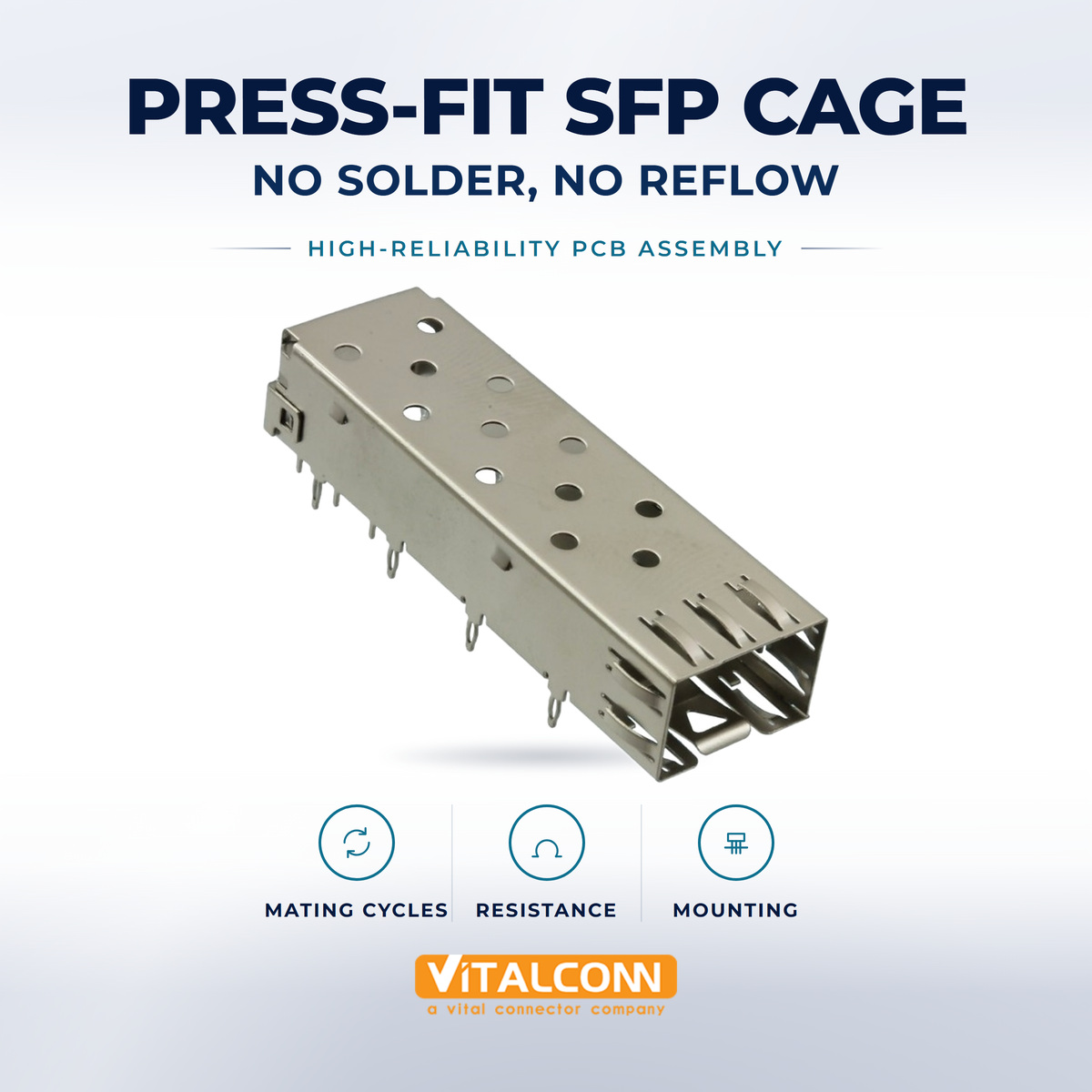
    What Press-Fit Means for an SFP Cage A press-fit SFP cage attaches to the board with compliant pins instead of solder. Each termination has a shaped section, most often described as an eye-of-the-needle, that compresses elastically as it enters a plated through-hole and stays under load against the hole wall. The electrical contact is made by that residual spring force and the mechanical retention comes from the same source. No solder, no flux and no reflow or wave pass are involved in making the joint. This matters most in assemblies where the cage is the largest mechanical element on the board. A conventional SMT or through-hole cage is held by joints that were formed during soldering and are then expected to survive everything the product sees afterwards, including repeated Seating cycles from pluggable modules pushing sideways on the frame. Moving that interface from a soldered joint to a controlled interference fit changes the dominant failure mode, which is the argument worth having early. Why Solder Joints Are the Weakest Link Here Solder is a good electrical material and a mediocre structural one. Under thermal cycling it creeps, and under repetitive mechanical load it accumulates fatigue damage until the fillet cracks. A cage carrying the insertion and extraction reaction of pluggable transceivers sees exactly that combination: cyclic mechanical load plus the temperature swings of a running chassis. Load condition Soldered cage Press-fit cage Practical difference Module insertion cycles Reaction force reaches joints Reaction force reaches press-in zone Fatigue mechanism is removed rather than managed Thermal cycling Solder creep accumulates Elastic contact maintained Longer life under wide temperature swings Second reflow exposure Existing joints re-melt Not applicable No selective soldering step required Flux residue and cleaning Process dependency exists None at this interface One fewer cleanliness variable Initial process control Well understood, forgiving Requires force monitoring Higher discipline, fewer late failures None of this means soldered cages fail routinely. It means the joint is doing structural work it was not optimised for, and in products specified for extended temperature ranges or long service lives the difference shows up in the field rather than on the bench. Press-Fit Retention: How the Compliant Pin Works The compliant section is designed to deform inside a predictable window. If the hole is too small the pin plastically deforms and loses spring force, and if the hole is too large the contact never reaches the intended normal force. Between those limits the pin stays elastically loaded, which is the condition that produces both retention and a stable low-resistance contact over time. Two properties follow from that mechanism and should be written into the assembly specification rather than assumed. The first is that board thickness and plated-through-hole dimensions become part of the connector interface, not just fabrication details. The second is that the joint is qualified by insertion force and push-out force, and those are the measurements to require from the supplier rather than asking for a generic reliability claim. If you are comparing SFP cage mounting types for this reason, ask each candidate how retention is measured before comparing the numbers. A Press-Fit Cage Changes the Assembly Sequence The most underrated benefit is procedural. Because no reflow pass is required at the cage, the cage can be installed after every other component on the board has been soldered and inspected. That removes a selective soldering or hand soldering step, removes the handling risk associated with a tall frame being run through reflow, and allows a fully populated board to be tested before the cage goes on. Board is assembled and reflowed with no cage in place, simplifying paste printing and profiling Board is inspected and electrically tested before the mechanical frame is installed Cage is pressed in with monitored tooling, ideally with a force or displacement curve recorded Seating verification is visual plus dimensional, since there is no fillet to inspect There is also a repair advantage that purchasing teams notice. If a cage is damaged before shipment, it can sometimes be replaced locally rather than scrapping a board that has already absorbed the cost of its active components. The trade-off is that the replacement is itself a controlled process, covered in the rework section below. Board Requirements: Hole Size, Plating and Surface Finish Every press-in termination is specified against a finished hole diameter, a plating thickness range and a board thickness range. These are not advisory. The plated-through-hole copper contributes to the interference fit, so a board that drifts in plating thickness changes the force characteristics of every joint on it. Board parameter Why it matters for a press-fit cage What to specify Finished hole diameter Sets interference and therefore normal force Hole tolerance per the cage drawing, agreed with the fabricator PTH copper thickness Changes effective interference at the pin Plating range stated in the fabrication note Board thickness Determines how much of the compliant zone is engaged Nominal thickness plus tolerance, declared upfront Surface finish Affects insertion force and long-term contact stability Finish agreed between board fabricator and cage supplier Give the fabrication drawing the same attention you give the schematic. The pin and the hole are one mechanical system, and most press-in problems traced in the field turn out to be board variation rather than connector defects. Where the footprint contributes to this, keep the keepout and SFP cage dimensions and PCB footprint information consistent across the mechanical and electrical teams. Press-In Tooling and Process Control Press-fit is a process, and the process is where quality is won. Hand pressing with pliers is not a process. The expectation should be a support fixture that holds the board flat, tooling that applies force evenly across all pins rather than rocking the frame in, and either a monitored press or a verified stop that guarantees seating height. Use a support block so board flex does not absorb the insertion force Press all pins simultaneously or in the sequence the supplier specifies Record the insertion force curve where volume justifies it, and investigate drift immediately Verify seating to the drawing dimension, not by eye alone Force monitoring is more useful than it sounds. Because the force curve responds to hole size, a shift in the measured average across a batch is frequently the earliest indication that the board fabricator has changed something. Catching that before the frames go on is considerably cheaper than discovering it after shipment. Rework and Repair: Decide Before You Choose A press-fit cage can be replaced, but it is not a rework-friendly interface in the way a soldered joint is. Removal loads the plated-through-hole, and each insertion cycle consumes some of the tolerance budget built into the hole plating. The standard approach is to define a limited number of repair cycles and to treat a hole that has been beyond that limit as a scrap condition for the board. Write this into the product's repair documentation while the design is still open. If field service is expected to replace cages, the tooling, the acceptable local repair count and the training all have to exist before the first unit ships. Treating press-fit as a simple swap without that preparation is how a reliable connection acquires a reputation for being fragile. Qualification: What to Test Before Release Press-in terminations have their own qualification framework. IEC 60352-5 covers these connections with test methods covering insertion force, push-out force, contact resistance and behaviour after environmental conditioning, together with practical guidance on board design and repair. Asking a supplier to present qualification data against that structure gives you something concrete to compare between candidates, rather than a marketing assertion. Supplement it with application testing that reflects your own product. Thermal cycling across your specified range, vibration exposure, and then retention measurement after each stage tells you how much margin remains. Where enclosure bonding also carries SFP cage EMI shielding duties, include a shielding check after mechanical stress, since grounding continuity depends on the same retention that holds the frame down. When Solder Still Makes More Sense Press-fit is not the right answer everywhere. In high-volume consumer or enterprise networking equipment where every operation is already automatic and fully profiled, the added tooling step and the tighter board requirements may cost more than the reliability return justifies. Small boards with limited support area can also be difficult to press without inducing flex. Choose it where the service conditions justify it: extended temperature ranges, long product lifetimes, equipment that must operate unattended for years, or designs where the cage is installed late and the rest of the board is already valuable. If you are still weighing the broader trade-offs, the SFP cage selection material covers the decision sequence, and comparing across speed families in SFP vs SFP+ vs SFP28 cage helps clarify which mechanical demands each generation actually places on the frame. For designs that settle on press-fit cage construction, the three things to get right are the board, the tooling and the repair procedure, in that order. The connector itself is rarely the problem; the interface around it usually is. Frequently Asked Questions (FAQ) What is the main benefit of a press-fit SFP cage? It removes solder joints from the mechanically loaded interface. Retention and contact come from the elastic force of a compliant pin against the plated through-hole, so the usual fatigue mechanisms associated with thermal cycling and repeated transceiver insertion no longer apply at that joint. Does press-fit eliminate rework entirely? No. A cage can be removed and replaced, but each cycle loads the plated hole and consumes tolerance. Define a maximum local repair count in the service documentation and treat boards beyond that limit as scrap rather than assuming unlimited removals. What board tolerances matter most? Finished hole diameter, plated-through-hole copper thickness and board thickness, with surface finish close behind. These together determine the interference fit and therefore both insertion force and long-term contact stability, so declare them on the fabrication drawing. Is special tooling required? Yes. Expect a flat support fixture and tooling that applies even force across the terminations, ideally with force monitoring and a positive seating stop. Hand pressing produces inconsistent seating and is difficult to verify afterwards. Is press-fit suitable for high-volume production? It can be, but the economics depend on whether a press step fits your line and whether board cost increases outweigh the reliability gain. It is most defensible in high-reliability equipment where field failures are expensive relative to assembly cost. How should I compare two suppliers' press-fit claims? Ask for qualification data structured against IEC 60352-5, including insertion and push-out force, contact resistance, and results after environmental conditioning. Then run application testing over your own temperature range and re-measure retention afterwards. Need the Right Press-Fit SFP Cage for Your Assembly? Get samples, full datasheets, and FAE support from VITALCONN's press-fit SFP cage product line. Explore SFP Cage Connectors Request Samples
    Read More
  • Low Profile RJ45 Connector: When Should You Use One?
    Low Profile RJ45 Connector: When Should You Use One?
    Oct 12, 2026
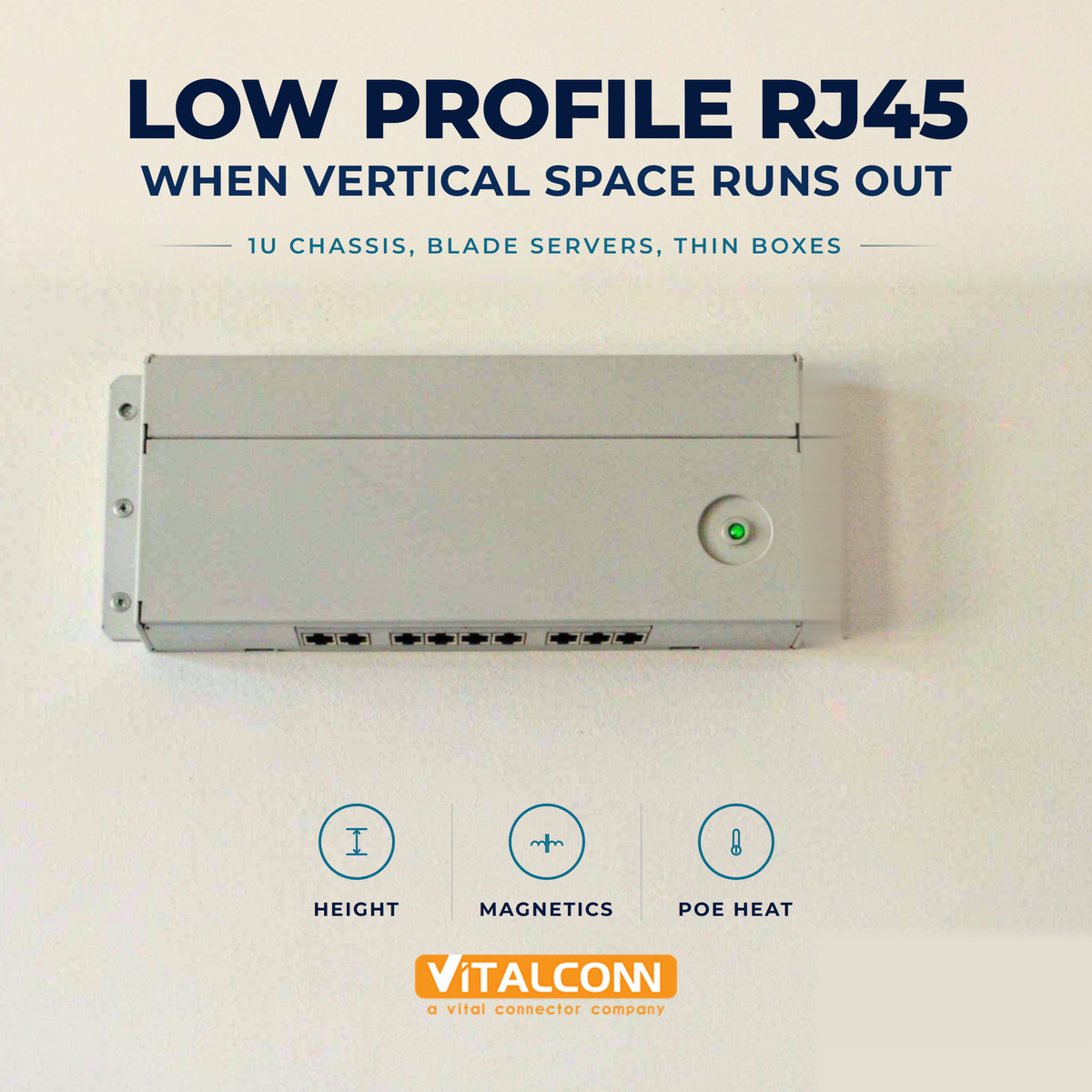
    What Counts as a Low Profile RJ45 Connector There is no certification behind the phrase, which is the first thing to understand about a low profile RJ45 connector. In practice it means any modular jack whose height above the seating plane of the board sits below what the same supplier calls its standard jack. Most catalogues draw that line somewhere around eleven to twelve millimetres, against roughly thirteen and a half millimetres for the standard part, but because nobody owns the definition the only trustworthy comparison is the height dimension on the drawing. Three loose bands describe most of what you will find when selecting an RJ45 jack by height. Treat the figures as orientation rather than specification, and always check the drawing before committing a layout. Height band Typical height above PCB Typical use What to verify Standard Around 13.3-13.7 mm General networking, no panel limit Baseline for comparison Low profile Around 11.3-11.7 mm 1U switches, dense 19-inch panels Whether magnetics and LEDs are retained Ultra-low profile Around 9.4-10.5 mm Blade servers, thin wall-mount enclosures Latch accessibility and current rating Those numbers describe mechanical height and nothing else. They do not tell you whether the part still carries integrated magnetics, whether the shield still reaches the panel, or whether the latch is still reachable once a booted patch cord is inserted. Those are the questions that decide whether a design survives contact with real installation work. Why Vertical Space Becomes the Constraint The demand for a low profile modular jack almost never originates in the schematic. It originates in the mechanical stack-up, usually at the point where an enclosure drawing meets a port count that somebody in sales has already promised. A 1U chassis gives 44.45 mm of total front-panel height, and once sheet metal thickness, board standoffs, the airflow gap above the PHY, and the neighbouring connectors are subtracted, the allowance remaining for the network port frequently lands near twelve millimetres. The same arithmetic appears in three other places with some regularity. Blade and rack servers distribute ports across a faceplate where the tallest component on the board sets the overall pitch. Thin wall-mount and desktop units need the port to clear an internal bracket or hinge. And in industrial enclosures the jack sometimes has to sit under a protective cover that also has to close. In each case the constraint is genuine, but it is worth confirming it before redesign, because it is often a few millimetres rather than a wholesale change. What You Trade Away With a Low Profile RJ45 The plug does not shrink just because the jack does. The same mating interface has to enter the cavity, the same contacts have to deflect far enough to generate normal force, and the same latch has to engage and release. Removing height means removing volume somewhere, and the somewhere is usually wall thickness, spring travel, or the housing material around the latch. Attribute Standard jack Low profile jack Engineering consequence Internal volume Generous Tight Less room for magnetics and light pipes Latch housing Full wrap Often reduced Latch is easier to snag when removing booted cables Shield coverage Continuous to panel Sometimes partial Panel bonding needs explicit review Thermal path Larger surface area Smaller profile PoE heat dissipates less easily Board footprint Standard Usually unchanged Height is saved the hard way, not the easy way None of these are reasons to avoid a low profile RJ45. They are reasons to specify it deliberately, with the drawing in front of you, rather than treating height as the only line on the datasheet that matters. Low Profile RJ45 Height and Integrated Magnetics Height and magnetics compete for the same space, and this is where low profile projects most often get stuck. An integrated magnetics jack has to fit the transformer cores, the common-mode chokes and the termination structure inside the housing. Below a certain height something has to give, and what usually gives is channel count, PoE capability, or the decision to keep magnetics on the board instead. If your design already has magnetics placed somewhere else, the choice is simpler and the trade is essentially mechanical. If it does not, decide early whether the low profile part still has to carry the magnetics, because the magnetic RJ45 vs non-magnetic RJ45 decision interacts with layout keepout, the routing of the differential pairs, and eventually the size of the whole board. There is also a height question behind the jack: components placed underneath or immediately behind it may now sit in the region the taller jack used to occupy. PoE and Thermal Behaviour in a Low Profile Design Power over Ethernet puts current through contact springs that sit inside a smaller volume of plastic. The heat still has to leave, and with less housing surface doing the work, the temperature rise at the contact interface tends to be higher than an otherwise comparable standard part would show in the same chassis. It is rarely dramatic at Type 1 power levels and it becomes worth measuring at Type 3 and Type 4. The practical response is boring and effective: check the per-contact current rating on the drawing, hold the ambient assumption honest, and specify contact plating for the increased thermal and mating duty. Our RJ45 gold plating notes cover thickness selection in detail, and they apply with more force here rather than less, because a low profile port is often exactly the port that gets plugged and unplugged in the field. Mechanical Stability: Latch Access, Strain Relief and Plug Retention Ask installers what they dislike about low profile ports and the answer is almost always the latch. When the receptacle sits closer to the board or the panel cut-out, the space into which fingers have to reach shrinks, and booted patch cords make it worse. On a twenty-four-port faceplate this turns into a maintenance problem rather than an aesthetic one. Verify the latch can be depressed with the specific booted cable the product ships or supports Check extraction force and repeated-insertion behaviour against your own service expectations Confirm how the panel or chassis supports the weight and side load of a hanging cable Review whether the strain relief or PCB anchors still see the load path they were designed for Where sideways cable load is a real risk, retention is often better solved by mounting geometry than by choosing a taller part. Our RJ45 connector mounting types pieces go through the options, including through-hole shell legs that take the mechanical load off the signal joints entirely. PCB Layout and Assembly Considerations Lower height does not mean lower assembly difficulty. The component height in the pick-and-place library has to be corrected, otherwise the placement head learns about it the expensive way, and reflow profiling can shift when tall parts around the jack are no longer shielding it from the same airflow. Before shrinking the part, check whether changing the entry direction solves the constraint instead. A bottom-entry jack places the port opening below the board surface relative to the stack-up, which can recover real millimetres without touching the electrical design at all. It is the cheapest option available and it is skipped surprisingly often. When shielding does need attention in a tight chassis, the shielded vs unshielded RJ45 comparison sets out what the panel return path has to do. Low Profile RJ45 Selection Checklist Start from the enclosure drawing and establish the actual height allowance, not the nominal one Check that the desired configuration exists in that height, including magnetics, LEDs and shielding Confirm per-contact current rating and plating thickness against the PoE class you are shipping Review latch clearance with a booted patch cord on populated adjacent ports Validate the panel style against RJ45 connector selection criteria for the intended data rate rather than for height alone Confirm reflow and pick-and-place parameters once the final height is fixed VITALCONN builds RJ45 jacks across standard, low profile and ultra-low profile heights, including integrated-magnetics versions, and the advice we give most often is to treat entry direction as the first lever and jack height as the second. That order keeps the electrical design intact and usually resolves the constraint with less risk. If the decision has already narrowed down to height alone, our team can match the drawing and the RJ45 connector types available in each band before layout freezes. Frequently Asked Questions (FAQ) How much shorter is a low profile RJ45 connector than a standard one? Typically two to three millimetres shorter above the board, comparing roughly eleven to twelve millimetres against thirteen and a half for a standard jack. Because the term is not standardised, always compare the height dimension on the two drawings rather than relying on the product category. Does reduced height affect Gigabit Ethernet performance? Height itself does not change the electrical requirement, but what was removed to save it can. Lower jacks sometimes have reduced shielding continuity or different internal routing, so review return loss and crosstalk figures on the datasheet and confirm the PHY channel meets its budget after board loss is added. Can a low profile RJ45 connector carry PoE? Many can, up to the per-contact current rating stated on the drawing. The caution is thermal rather than electrical: less housing volume means less surface area to shed contact heat, so validate the temperature rise at the highest ambient the product is rated for. Should I choose a bottom-entry jack instead? Often yes, and it should be evaluated first. Changing the entry direction recovers height without changing solder footprint style, plating or internal construction, whereas shrinking the jack forces trade-offs in shielding, latch strength and current capability that are harder to reverse later. What determines mating life in a low profile jack? Contact design and plating thickness, exactly as in a standard jack. The height classification does not itself change cycle life, although reduced housing around the latch can make accidental damage during extraction more likely in dense installations. Need a Low Profile RJ45 Connector for Your Enclosure? Get samples, full datasheets, and FAE support from VITALCONN's low profile RJ45 connector product line. Explore RJ45 Connectors Request Samples
    Read More
  • USB-C Connector Mounting Types: SMT, DIP, Mid-Mount and Offset Explained
    USB-C Connector Mounting Types: SMT, DIP, Mid-Mount and Offset Explained
    Oct 10, 2026
    USB-C Mounting Types: Four Ways to Mount the Same Interface The electrical definition of a USB-C receptacle is fixed, but the way it attaches to a board is not. USB-C mounting types fall into four practical families: surface-mount top-mount, through-hole or DIP, mid-mount, and offset or hybrid variants that move the port relative to the board edge. The choice does not change the pinout, but it changes mechanical strength, assembly process, connector height, and how much abuse the product can take in the field. This is one of the few connector decisions where the mechanical and electrical requirements genuinely conflict. Signal integrity prefers short, well-controlled paths to the board. Mechanical durability prefers a shell anchored into the PCB or the chassis. Choosing among USB-C mounting types is mostly the work of deciding where on that trade-off a specific product sits. Mounting type How it attaches Connector position Typical use SMT (top-mount) Signal contacts and shell reflowed on the top surface Above the board surface Phones, thin consumer devices, high-volume SMT lines DIP / through-hole Shell legs and often contacts pass through the board Above the board, anchored through Products needing maximum retention strength Mid-mount Mixed SMT and through-hole, straddles the board edge Centered on the board thickness Thin devices where the port must sit mid-height Offset / hybrid SMT or THT with the body shifted up or down Offset from the board centerline Chassis-constrained designs, stacked enclosures SMT USB-C Connector: The Default Top-Mount A USB-C SMT connector is the highest-volume option and the one most designers start with. Signal contacts and shell solder pads sit on the top surface of the board, the part is placed by the pick-and-place machine, and it reflows with the rest of the surface-mount assembly. There is no second operation, no wave or selective soldering step, and no hole pattern to design. The limitation is mechanical. Insertion and removal forces are transferred into solder joints that resist in shear, and the fine contact pitch means pad area is limited. For a product that is plugged in a few times a month by a careful user, this is entirely adequate. For a device that gets picked up by its cable, or a port that sees thousands of cycles, SMT-only retention is the first thing to question. Lowest assembly cost and no secondary soldering operation Fits fully automated SMT lines, including double-sided reflow if the profile allows Retention depends on solder joint area, so abuse resistance is lower than through-hole anchored designs Rework requires hot air or infrared, and pad lifting is a real risk on high-layer-count boards DIP and Through-Hole USB-C: Anchoring the Shell Through-hole variants put the shell anchor legs through the board so that mechanical load is carried by the PCB itself rather than by surface pads alone. Some designs keep the signal contacts surface-mount while the shell is through-hole, which preserves the assembly advantages of reflow while gaining retention. Others are fully through-hole, which suits wave or selective soldering and hand assembly. There is a second benefit that is easy to overlook: the through-hole shell legs provide a low-inductance ground path into the board. That improves ESD behavior at the port, because the discharge has a shorter, lower-impedance route to the reference plane. Combined with protection devices placed close to the connector, a grounded shell is one of the cheapest ESD improvements available in a USB-C design. Aspect SMT shell Through-hole shell Retention strength Lower Higher Ground path inductance Higher Lower Assembly Single reflow Wave, selective, or paste-in-hole Rework Hot air, pad lift risk More forgiving mechanically Board space Smaller footprint Requires holes and keepout Mid-Mount USB-C: Centering the Connector on the Board A USB-C mid-mount connector is designed so that the receptacle opening sits at the mid-height of the PCB rather than above it. The shell straddles the board edge, with the connector body occupying a notch or cutout in the board. This is what lets a device place the port exactly in line with the case seam instead of offset toward one surface, and it is why mid-mount is common in thin products where symmetry matters. The engineering cost is mechanical: the board needs a cutout or notch with its own tolerances, and the connector's retention depends on how well that feature is manufactured. Mid-mount parts typically combine surface-mount signal contacts with through-hole shell legs, so the assembly process is mixed even though the part is usually reflowed in a single pass with paste-in-hole on the anchor legs. Best choice when the port must be centered on the product's thickness Requires a board cutout or notch, so panel utilization and routing near the edge need planning Usually mixed technology: SMT signal contacts plus through-hole shell anchors Verify cable clearance on both sides of the board, since the shell occupies space above and below For customers evaluating this option, the practical advice is to prototype the board cutout early. The connector is standard but the notch is not, and the notch interacts with routing, shielding, and enclosure design in ways that are much cheaper to explore on a prototype panel than on a production build. Offset and Hybrid USB-C Variants Offset variants shift the receptacle up or down relative to the board, and hybrid variants mix mounting technologies, for example surface-mount signal contacts with through-hole shell legs, or a raised body that clears components underneath. These exist because real enclosures rarely align perfectly with a standard connector height. If the mechanical stack-up says the port needs to sit 1.5 millimeters higher than a standard top-mount part allows, an offset variant solves it without a mechanical redesign. The caution with offset bodies is lever arm. Raising the connector body moves the contact patch farther from the board, which increases the moment applied to the solder joints during an abusive insertion. Offset parts should therefore be paired with through-hole shell anchoring wherever the product will see rough handling, which is exactly how most ruggedized designs are built. Sealed products add one more variable. A USB-C waterproof connector changes the mechanical envelope and the way the shell seals against the enclosure, so the mounting decision and the sealing rating should be settled together rather than in sequence. Mechanical Strength, ESD and Durability by Mounting Type USB-C receptacles carry a rated insertion life, commonly quoted around ten thousand cycles for standard receptacles, but that rating describes the connector tested on a fixture. What determines whether a product reaches it is how the part is anchored and how users treat the cable, and it is independent of which USB-C connector types you specify, since pin count and mounting are separate decisions. Sideways pull, levering during removal, and devices lifted by their cable all apply loads the fixture never applies. Stress case SMT top-mount Mid-mount Through-hole or hybrid Repeated vertical insertion Good Good Best Sideways cable pull Weakest Good Best Cable levering during removal Weakest Good Best ESD discharge path Depends on layout Good with shell legs Best Drop and shock Adequate Good Best The durability conclusion is simple enough to state as a rule: any product with a metal chassis, a long field life, or users who treat cables casually should specify through-hole shell anchoring. That single choice does more for field reliability than any other decision in the mounting family. Assembly and Rework Notes for Each USB-C Mounting Type Assembly planning is where mounting types diverge most. A pure SMT part runs through reflow with no special provisions. Mid-mount and hybrid parts with through-hole legs need paste-in-hole stencil volumes large enough to fill the barrel, and the stencil design has to account for the fact that the connector body may shadow part of the aperture. Fully through-hole parts need a wave or selective soldering step, which affects panel design and which side of the board can carry components. Confirm the reflow rating of the connector against a thermocouple-measured profile on the real board, not the oven recipe For paste-in-hole legs, size the stencil aperture for barrel fill and verify fill on first articles by X-ray Keep ESD protection footprints close to the connector, since trace length before protection reduces survival Confirm the CC line routing and pull-down placement described in our USB-C CC pins guide, since an ESD event at the port can upset attach detection as well as data Define the rework procedure while the design can still accommodate it, especially for SMT-only parts on dense boards Prototype the board cutout for mid-mount designs early, before enclosure tooling is committed VITALCONN supplies USB-C receptacles across these mounting families and the recommendation we give most often is a hybrid: surface-mount signal contacts for assembly efficiency, through-hole shell legs for retention and grounding. It is the combination that survives contact with real users while staying compatible with a standard reflow line. For the electrical side of the same decision, including data rate and power requirements, see our USB-C connector selection guide. Frequently Asked Questions (FAQ) What is a mid-mount USB-C connector? A mid-mount USB-C connector positions the receptacle opening at the mid-height of the PCB instead of above it, so the port lines up with the center of a thin device. It usually needs a board notch or cutout and combines surface-mount signal contacts with through-hole shell anchors. Which USB-C mounting type is the strongest? Through-hole or hybrid designs with anchored shell legs are the strongest, because insertion and cable-pull forces are carried by the PCB rather than by surface pads alone. Pure SMT top-mount parts are adequate for gentle use but are the weakest under side loading. Does mounting type affect USB 3.2 or USB4 signal integrity? Indirectly. Mounting type changes how far the connector body sits from the board and how the shell is grounded, which affects trace length and return path quality. High-speed designs should keep breakout routing short and verify with the chosen mounting type, not a generic footprint. Can a mid-mount USB-C connector be reflowed only? Yes, in most designs, provided the through-hole shell legs receive enough paste-in-hole volume to fill the barrels. Verify barrel fill on first articles by X-ray, because insufficient fill is invisible from outside the board. What is the difference between SMT and DIP USB-C connectors? SMT USB-C connectors solder entirely on the board surface, which is cheapest to assemble but weakest mechanically. DIP or through-hole variants pass shell legs through the board, giving much higher retention strength and a lower inductance ground path at the cost of a secondary soldering operation. Need the Right USB-C Connector for Your Application? Get samples, full datasheets, and FAE support from VITALCONN's USB-C connector product line. Explore USB-C Connectors Request Samples
    Read More
  • SFP Cage Port Configuration: 1×1, 1×2, 1×4 and 1×6 Explained
    SFP Cage Port Configuration: 1×1, 1×2, 1×4 and 1×6 Explained
    Oct 09, 2026
    SFP Cage Port Configuration: Reading the 1×N Notation SFP cage port configuration is written as rows by columns: 1×1 is a single port, 1×2 is two ports side by side in one frame, and 1×4 and 1×6 are four and six ports in a single ganged assembly. The notation describes how many module bays the cage provides, not how the cage is soldered or how tall it is, which is why two parts with the same SFP cage port configuration can still differ in footprint, height, and thermal behavior. Once you know what the number does and does not tell you, the rest of the selection becomes straightforward. The mechanical envelope of the individual bay is fixed by the module standard, so a port is a port whether it stands alone or sits in a six-port frame. What changes with configuration is the frame around the ports: how the assembly is retained to the board, how heat leaves the row, how the front bezel meets the panel, and how a technician services a single failed bay years later. Configuration Ports per cage Typical application Main advantage 1×1 1 Media converters, single uplinks, NICs Maximum placement freedom and easiest rework 1×2 2 Dual uplinks, small switches Fewer parts than two singles, tighter pitch 1×4 4 Access switches, aggregation Panel density with manageable thermal load 1×6 6 High-density switching, appliances Highest density per assembly operation 1×1 SFP Cage: One Port, One Frame A 1×1 SFP cage is the baseline: one bay, its own stamped frame, its own grounding and mounting features. It is the right answer when a design needs one or two uplinks placed wherever the board has room, when the panel cutout does not follow a regular pattern, or when the product ships in variants with different port counts. Because each cage is independent, a change from two ports to four late in the program is a board layout change rather than a new cage qualification. The trade-off is assembly effort and pitch accuracy. Every additional 1x1 SFP cage is another placement operation, another set of solder joints to inspect, and another opportunity for a port to sit slightly proud of its neighbors. On a faceplate where a customer will judge the product by whether the ports line up, cumulative tolerance across separately placed cages is the most common source of cosmetic rejection. Ganged Multi-Port SFP Cages: 1×2 and 1×4 A multi-port SFP cage puts several bays into one stamped frame, so the ports share walls, share mounting and grounding features, and hold their relative pitch by construction rather than by placement accuracy. This is the single biggest practical advantage: the frame defines port-to-port spacing, and the board simply has to put the frame in the right place once. Consideration Single-port cages placed side by side Ganged multi-port cage Pitch accuracy Depends on placement tolerance and board tolerances Held by the frame itself Placement operations One per port One per assembly Solder joint count Highest Lower per port Design flexibility Any port count, any spacing Fixed counts, fixed pitch Rework scope One port Often the whole frame The design consequence of a ganged frame is that it commits you to a port count and pitch early. A product family that will ship in 4-port, 8-port, and 24-port variants may find that two 1×4 cages cover the first two variants cleanly and tile into the third, which is usually how dense panels are built. The alternative, placing individual cages in a row, becomes harder to keep straight as the row gets longer. 1×6 and High-Density Port Configuration: Where Airflow Sets the Limit Above four ports per frame, thermal behavior becomes the constraint rather than mechanical assembly. Optical modules dissipate real power, and a six-port row concentrates that heat into a narrow strip of panel. The cage itself is the heat spreader, transferring module heat into the board copper and into the airflow path, and a full row of populated ports is the worst case every thermal design has to survive. Model the fully populated row, not the single-port case: six populated modules behave very differently from one Check airflow direction against the cage geometry, since heatsink fins only work if air actually moves through them Confirm that adjacent high-power modules do not push each other past the module temperature limit at maximum ambient Leave the module keepout and cable bend radius in the mechanical drawing, because a dense row leaves no margin for late changes The heat per port is not fixed either. Higher data rate modules dissipate more than lower rate ones, so the row that will eventually carry faster optics, as discussed in our SFP vs SFP+ vs SFP28 cage comparison, should be thermally designed for the modules the roadmap allows rather than the ones shipping on day one. In practice, the step from 1×4 to 1×6 is less about whether the frame can be built and more about whether the chassis can remove the heat. Teams that treat port configuration as a purely mechanical decision usually discover the thermal constraint at the first system-level test, which is late enough to be expensive. VITALCONN supports ganged configurations across this range and the thermal conversation is one we prefer to have at the drawing stage. Port Configuration, Bezel and EMI Decisions The front of the cage, the bezel, is where port configuration meets the panel and the EMI strategy. Ganged frames commonly present a single opening per port with consistent wall thickness, which makes the bonding path to the panel more uniform than a row of individual cages with gaps between them. Spring fingers or gaskets at the panel interface work against a continuous surface, and a continuous frame is easier to bond consistently than a series of separate shells. EMI consideration Single cages in a row Ganged frame Panel bonding surface Interrupted by gaps between cages Continuous across the row Grounding paths to board One per cage, more total connections Fewer, shared connections Consistency of contact Depends on each cage's alignment Set by frame geometry Aperture control More seams to control Fewer seams, larger single aperture to seal Neither approach is inherently better; the right choice depends on how much of the EMI budget is spent at the panel versus at the board. Our SFP cage EMI shielding guide covers the shielding options in detail, and the configuration you choose here determines which of them are practical to implement. What matters is that the decision is made deliberately, because a cage configuration chosen for assembly convenience can quietly consume the shielding margin the design needed. Assembly, Rework and Field Service Consequences Port configuration also decides what a service event looks like. With individual cages, a damaged port is removed and replaced on its own. With a ganged frame, the same repair usually means reflowing or replacing the whole assembly, which is more work and carries more risk to neighboring joints. For products deployed in the field for many years, that difference belongs in the selection discussion. Ask what the vendor recommends for single-port replacement on a ganged frame, and whether the frame is serviceable at all Factor the rework profile into the qualification plan, not just the first-pass assembly yield For lab and evaluation hardware where ports get abused, individual cages reduce the cost of a damaged bay For shipped volume products, ganged frames reduce placement cost but increase the cost of a field failure One practical habit pays off regardless of configuration: fit a blank or a low-cost module in every unpopulated bay during burn-in. Empty apertures change airflow, leave spring fingers undeflected, and expose the shielding path in a way that does not represent the shipping configuration. Selecting an SFP Cage Port Configuration The checklist below is the sequence we walk through with customers who are choosing a multi-port SFP cage for a new platform. Work through it in order, because the later items are constrained by the earlier ones. Fix the port count per product variant first, then decide whether one frame size tiles across the family Confirm the thermal budget for a fully populated row at maximum ambient, before locking the chassis Choose the bezel and panel interface that supports the EMI strategy, and verify the bonding path Check the PCB footprint and keepout for the chosen frame, including mounting and grounding features Confirm how the frame attaches to the board, using the options in our SFP cage mounting types guide Review the rework and field service plan for the configuration you selected Qualify with the tallest and hottest module the roadmap allows, even if it ships with a cooler one Configuration choices are cheap on paper and expensive after tooling, so the value of walking this list early is mostly in what it prevents. The mechanical envelope is standard; everything that differentiates one cage from another is decided by how the ports are grouped, how the frame is supported, and how it lands on the board, which is why our SFP cage dimensions and PCB footprint article is the natural next read once the configuration is fixed. Frequently Asked Questions (FAQ) What does 1x4 mean on an SFP cage? 1x4 means one row of four module bays in a single ganged frame. The ports share walls, mounting features and grounding, so port-to-port pitch is held by the frame instead of by placement accuracy on the board. Can I use four single cages instead of one ganged 1x4 cage? Yes, and it is a common choice for low-volume or evaluation hardware. You keep placement freedom and simpler rework, but you take on more placement operations and more cumulative pitch tolerance across the row. Does a multi-port SFP cage run hotter? A ganged row concentrates module heat into a narrower area, so a fully populated 1x4 or 1x6 row has a higher thermal load than a single port. Model the fully populated case at maximum ambient rather than scaling from one module. Is a ganged SFP cage harder to rework? Usually yes. A damaged bay on a ganged frame often means reworking the whole assembly rather than one cage, so products with long field service lives should weigh rework access when choosing the configuration. Does port configuration change the PCB footprint? Yes. Each frame size has its own footprint, mounting and grounding features, so the configuration decision has to be made before the board layout is frozen. The individual bay envelope stays standard, but the frame around it does not. Need the Right SFP Cage Connector for Your Application? Get samples, full datasheets, and FAE support from VITALCONN's SFP cage connector product line. Explore SFP Cage Connectors Request Samples
    Read More
  • RJ45 Gold Plating Thickness: How Many Microinches Do You Need?
    RJ45 Gold Plating Thickness: How Many Microinches Do You Need?
    Oct 04, 2026
    RJ45 Gold Plating: What the Microinch Number Actually Measures RJ45 gold plating is almost always specified in microinches, and that single number causes more confusion in RFQs than any other line on a modular jack datasheet. One microinch is one millionth of an inch, roughly 0.025 micrometers. A plating callout such as RJ45 gold plating at 30 microinches therefore describes a deposit on the contact surface that is a little under 0.8 micrometers thick. It is a surface finish, not a structural layer, and it works as part of a three-layer system: a copper alloy spring contact, a nickel underplate, and the gold on top. Understanding that stack is what turns the thickness number into an engineering decision. Gold does not conduct better than copper; it is specified because it does not form an insulating oxide. Nickel provides hardness and acts as a diffusion barrier that stops the copper base from migrating into the gold. The gold itself is thin enough that it is never perfectly pore-free, so what protects the contact over years of service is the combination, not the top layer alone. Thickness callout Approximate metric value Where it is typically used Gold flash A few microinches or less Consumer and cost-driven products with very few mating cycles 6 microinches About 0.15 micrometers Office networking gear, short service life, indoor use 15 microinches About 0.38 micrometers Mainstream commercial and light industrial equipment 30 microinches About 0.76 micrometers Industrial equipment, higher mating cycle requirements 50 microinches About 1.27 micrometers Harsh environments, test and measurement, high-reliability builds Gold Thickness Options for RJ45 Contacts Compared The practical question is not which thickness is best, but which thickness matches the number of mating cycles and the environment the product will actually see. A connector inside a sealed consumer device that is plugged in once at installation has a completely different requirement from a patch panel port that technicians re-cable for a decade. Option Mating life expectations Environment Relative cost Gold flash Very low cycle count Controlled indoor, sealed products Lowest 6 microinches Low to moderate Office and consumer networking Low 15 microinches Moderate to high Commercial and light industrial Moderate 30 microinches High Industrial, moderate corrosion risk Higher 50 microinches High, with margin Harsh, corrosive, high-cycle Highest There is a second cost dimension that rarely appears on the quote: consistency. A thicker gold deposit costs more in metal, but a supplier who controls bath chemistry and measures thickness on every lot costs more in process discipline. In our experience the second factor explains more field returns than the first, because a nominally 30 microinch contact that varies between 12 and 30 across a reel behaves like the thin end of the range wherever it happens to land. The Nickel Underplate Does Half the Work An RJ45 contact is usually phosphor bronze, plated with nickel, plated with gold. The nickel layer is commonly in the same order of thickness as the gold on a thin-gold part and thicker than the gold in most specifications. It is the reason a 15 microinch gold deposit survives at all: it gives the gold a hard foundation and blocks copper diffusion at temperature. When contacts wear through thin gold in the field, the failure is frequently a nickel problem rather than a gold problem. Specify gold and nickel together: '30 microinches hard gold over 50 microinches nickel' is a complete callout; '30 microinches gold' is not Ask which area the thickness applies to: the mating contact area, the solder tail, or both, since these are often plated differently Nickel thickness also affects solderability and contact spring performance, so it should not be minimized to save cost If a supplier quotes gold thickness without a nickel figure, treat the quote as incomplete and ask for the full stack For buyers comparing offers, this is the most useful single question to ask. Two jacks that both claim 15 microinches of gold can behave very differently after a thousand mating cycles if one sits on a thin nickel layer and the other on a properly specified one. Hard Gold Versus Soft Gold on RJ45 Contacts Connector mating surfaces use hard gold, which is gold alloyed with small amounts of another element such as cobalt or nickel to raise hardness and wear resistance. Soft, high-purity gold appears elsewhere in electronics, particularly where surfaces must be soldered or wire bonded, but it is not the right choice for a contact that will be wiped hundreds of times. When a datasheet says gold plating on an RJ45 contact area, hard gold is what is normally meant, and it is worth confirming rather than assuming. The distinction matters for procurement because 'gold plated' on a low-cost part sometimes describes a decorative or solderability finish rather than a wear-rated contact finish. If the port will be re-mated in service, ask the supplier to confirm hard gold on the mating area and to state the thickness there specifically. VITALCONN quotes the finish by area for exactly this reason, so that the number on the quote describes the surface that actually touches the plug contact. The solder tail finish is a separate line on the same drawing, and it interacts with your RJ45 connector mounting types decision. Reflowed surface-mount tails and wave-soldered through-hole tails are not finished the same way, and the datasheet should state both rather than quoting a single finish for the whole part. Contact Resistance and RJ45 Connector Durability RJ45 connector durability is where plating thickness stops being a line item and starts being a performance parameter. Contact resistance for a modular jack contact is measured in milliohms, and standards in the IEC 60603-7 family define both an initial limit and a permitted change after environmental and mechanical conditioning. The mechanical conditioning part is what consumes gold: every insertion wipes the surfaces, and the connector is expected to meet its electrical limits at the end of the specified cycle count, not just on the first plug. Factor Why it matters for plating What to ask the supplier Mating cycles Each cycle wears the gold layer Specified cycle count and post-cycle contact resistance Contact normal force Higher force increases wear Force range across the tolerance window Corrosive atmosphere Pores in thin gold expose nickel Salt spray or mixed gas test results Temperature Accelerates diffusion through thin layers Temperature rating and post-aging resistance data Power over Ethernet deserves a specific note here. PoE sends continuous current through the same contacts that carry the signal, so any rise in contact resistance shows up as heat at the interface as well as signal margin loss. A port that is marginal for data alone can become a thermal problem once it is carrying power, which is why we recommend that PoE designs specify toward the thicker end of the RJ45 contact plating range rather than the minimum that satisfies the signal requirement. The same current path question appears one level up. The choice between magnetic RJ45 vs non-magnetic RJ45 magnetics changes where PoE current enters the magnetic path, so plating and magnetics should be reviewed together rather than specified by two teams working from separate drawings. How to Specify RJ45 Gold Plating on a Purchase Order Most plating disputes start with an incomplete specification. The following checklist is what we ask customers to send when they want a quote that can be compared across suppliers on equal terms. State the finish by area: gold thickness and type on the mating contact area, and the finish on the solder tail separately Always pair gold with a nickel underplate thickness, for example hard gold over nickel both stated in microinches State the required mating cycle count and the contact resistance limit after conditioning Name the verification method and reporting frequency, typically X-ray fluorescence measurement with lot records Confirm whether the requirement applies to all contacts or only to those used for power and signal pairs Ask for the plating stack diagram from the supplier drawing, not just the summary line on the datasheet X-ray fluorescence, usually abbreviated XRF, is the standard non-destructive method for measuring plating thickness on connector contacts, and it is fast enough to be used on production samples rather than only in a lab. A supplier who can produce XRF records by lot is demonstrating process control, which is worth more than a single favorable measurement on a sample part. If the quote also needs to state which contacts carry power, our RJ45 pinout and wiring guide shows the pin assignment used for PoE across all four pairs, which helps you specify plating where it actually matters rather than across the whole contact set by default. Where Paying for More Gold Does Not Pay Back Thicker gold is not free and it is not always the better decision. In a sealed indoor product that is mated once at installation and never touched again, the environmental exposure and cycle count that justify 50 microinches simply do not exist. The money is better spent on the nickel underplate and on contact geometry, because a well-formed contact spring with adequate normal force will outperform a thick deposit on a weak spring. Environment drives the plating decision as much as cycle count does, which is why it usually sits next to the grounding and shielding question rather than being settled alone. Our comparison of shielded vs unshielded RJ45 designs covers the adjacent decision: a shielded port installed in a plant with real electrical noise needs contacts that stay stable for years, and thinner plating makes that harder to guarantee. The honest engineering rule is to match the finish to the service profile: specify the thickness that covers the expected mating cycles and environment with margin, verify it by measurement, and put the remaining budget into mechanical design. VITALCONN builds RJ45 jacks across the full thickness range and the recommendation we give most industrial customers is 15 to 30 microinches of hard gold over a properly specified nickel underplate, which covers the large majority of real deployments without paying for capability the product will never use. Frequently Asked Questions (FAQ) How many microinches of gold does an RJ45 connector need? Most commercial and industrial Ethernet applications are well served by 15 to 30 microinches of hard gold over a nickel underplate. Gold flash is sufficient only for low-cost products with very few mating cycles, while 50 microinches is reserved for harsh environments and high-reliability equipment. Is 50 microinches always better than 15 microinches? No. Thicker gold costs more and only pays back when the product actually sees high mating counts or a corrosive environment. In a sealed, rarely mated indoor product, contact geometry and normal force deliver more durability per unit cost than extra gold. Does RJ45 gold plating affect PoE performance? Yes, indirectly. PoE pushes continuous current through the same contacts that carry data, so any increase in contact resistance becomes heat at the interface. PoE designs should specify toward the thicker end of the plating range and verify contact stability after conditioning. Why do some RJ45 connectors use only gold flash? Gold flash keeps cost down and is adequate when the port is mated a handful of times in a controlled indoor environment. It is not appropriate for patch panels or any port that technicians re-cable repeatedly. How is RJ45 gold plating thickness verified? Thickness is normally measured with X-ray fluorescence (XRF), a non-destructive method suited to production sampling. Ask suppliers for XRF records by production lot rather than a single sample measurement, since lot-to-lot consistency predicts field performance better. Need the Right RJ45 Connector for Your Application? Get samples, full datasheets, and FAE support from VITALCONN's RJ45 connector product line. Explore RJ45 Connectors Request Samples
    Read More
  • SD Card Socket Types: Push-Push vs Push-Pull
    SD Card Socket Types: Push-Push vs Push-Pull
    Sep 30, 2026
    SD Card Socket Types: Two Mechanisms, One Decision Framework Among SD card socket types, the division that drives every other design consequence is the retention mechanism: push-push card socket designs latch the card on insertion and eject it with a second press, while a push-pull card socket holds the card by contact friction and relies on the user to pull it out. Add the card-size axis — full-size SD versus microSD — and the detection-switch question, and you have the complete selection space. This guide compares the mechanisms the way our engineers specify them for cameras, recorders, industrial controllers, and IoT devices. Attribute Push-Push Push-Pull Insertion Slide in until latch captures Slide in until contacts seat Ejection Second push releases spring User pulls card out Card retention Mechanical latch — secure against shock Contact friction only Height / Z-profile Taller — mechanism inside Lowest profile Cost Higher Lower Failure mode Spring/slider jam, dust in mechanism Card walks out under vibration Best for Consumer devices, user-facing slots Sealed devices, set-and-forget storage Push-Push Card Sockets: The Consumer Standard The push-push card socket earns its place in phones, cameras, and drones through user experience: the card clicks in, clicks out, and is retained by a latch rather than friction. The mechanism — a slider, a spring, and a detent track — also protects the contacts, because the card travels a defined path and the contacts wipe the pads over a controlled stroke each insertion. The mechanism's weaknesses are the mirror of its strengths. It is taller, because the ejection hardware occupies height above the card. It adds parts that can jam, particularly in dusty or high-particulate environments where the slider track collects debris. And it specifies a shock rating rather than assuming retention — verify the latch holds at the vibration profile your product must survive, not just statically. Push-Pull Card Sockets: Simple, Low, and Honest A push-pull card socket strips the mechanism away and trusts the contact springs' normal force to retain the card. Fewer parts means fewer failures of the jamming kind, the lowest height in the family, and the lowest cost. In devices where the SD card is inserted once at production — data loggers, industrial controllers, embedded storage — and never touched again, friction retention is entirely adequate. The honest limits: under continuous vibration, a friction-retained card can creep outward millimeter by millimeter until contact is intermittent or lost. The failure is insidious — the device works on the bench and drops data in the truck. Any push-pull design in a vibrating product needs a secondary retention feature: a cover, a bracket, a strap, or a card-door interlock that mechanically blocks the card's exit path. Card Size Axis: Full-Size SD and MicroSD in Both Mechanisms Both mechanisms exist for full-size SD and microSD. Full-size SD sockets offer larger contacts, easier hand insertion with gloves, and a card that is harder to lose — attributes valued in cameras, NVRs, and test equipment. MicroSD sockets minimize footprint and height, which matters in drones, action cameras, and space-constrained IoT boards; the price is a delicate card that wants a tool or fingernail to extract. The electrical interface is identical, so the choice is mechanical and ergonomic. Note that microSD is the same form factor as TF card — our microSD-focused selection guide covers that family in depth. Card Format Card Dimensions Typical Devices Notes Full-size SD 32.0 × 24.0 mm Cameras, NVRs, test gear Robust handling, larger socket microSD 15.0 × 11.0 mm Drones, IoT, action cameras Smallest footprint, delicate card The Detection Switch: Small Feature, Large Firmware Consequences Most quality sockets include a card-detect (CD) switch that closes when a card is fully seated. For hot-swap-capable systems, the switch lets the host quiesce the bus before the contacts separate, and debounce in firmware prevents insertion bounce from triggering spurious remounts. Spec the switch's travel and operating force along with the electrical rating; a marginal switch produces the classic 'card removed unexpectedly' errors that are actually contact-bounce artifacts. Route CD with a pull-up and debounce in firmware — never wire it straight into reset logic. For write-intensive applications, pair the CD switch with voltage supervision so power never drops mid-write. Check the write-protect (WP) switch sensing on full-size SD sockets if your application uses it — microSD has no WP switch. Selection by Application Application Recommended Socket Reason Consumer camera / recorder Push-push, full-size SD Frequent user card swaps, UX Drone / action camera Push-push, microSD Shock retention, size Industrial controller, card inserted once Push-pull + secondary retention Simplicity, low height, sealed Data logger in vibration Push-push or locked push-pull Latch retention or door interlock Public-access kiosk slot Push-push with rugged slider Controlled insertion, tamper resistance Qualification Tests Worth Running Insertion-cycle life: verify contact force and resistance after the rated cycles, not before. Vibration with a card installed and a live read/write stream — watch for contact intermittents, the real failure signature. Temperature cycling across the product range, then re-measure contact resistance. Drop test with card installed, followed by data integrity verification. Dust ingress on push-push mechanisms if the environment is uncontrolled — jamming is a mechanical lifetime issue. For the adjacent topics in the card-connector family — SIM sockets and form factors, and the general card socket guide — see our SIM card socket types comparison and the card socket connector guide. High-Speed Cards: What UHS-II Means for the Socket Both push-push and push-pull SD card socket types exist in standard-speed versions, but UHS-II cards change the socket's job. UHS-II adds a second row of contacts that must engage with controlled, repeatable force for the 208 MHz and beyond signaling to work, which pushes socket vendors toward more precise contact geometry and tighter flatness on the second-row stamps. A socket specified for UHS-I will accept a UHS-II card physically, because the first-row contacts are compatible, but the card then falls back to UHS-I speeds, silently. The product specification should state not only the socket mechanism but the speed class the contact system supports, or the speed rating becomes marketing text rather than a measured capability. Write-protect switches, present on full-size SD cards and absent on microSD, interact with the mechanism differently in the two socket types. In push-pull sockets the card slides straight in, so the WP switch stays accessible to the system's WP detect contact throughout the stroke. In push-push mechanisms the card travels slightly past its resting position during the eject action, and the WP detect contact must be positioned to avoid glitching during that travel. It is a small detail, and it is exactly the kind of detail that separates sockets that work in the field from sockets that generate intermittent write-protect faults. UHS-II support requires a socket with the second contact row rated for the speed class, not merely a deeper first row Confirm contact-force specifications for both rows, since second-row force decay shows up as speed-mode fallback, not as a hard failure MicroSD sockets have no write-protect hardware; if the application needs write protection, it must be implemented in firmware Card detection and write-protect switch bounce times belong in the driver debouncing specification, matched to the socket's mechanical timing For engineers specifying industrial data logging or edge storage, the practical recommendation is to test with the exact production card brand and capacity, at temperature, for insertion life. Card bodies vary in thickness within the standard's tolerance window, and the socket's spring system is designed against that same window; the combination of a worst-case-thick card and a worn socket is where high-speed modes start failing first. Frequently Asked Questions (FAQ) What is the difference between push-push and push-pull SD card sockets? Push-push sockets latch the card on insertion and eject it with a second press using an internal spring slider. Push-pull sockets retain the card by contact friction and the user pulls it out. Push-push is more secure and user-friendly; push-pull is lower, simpler, and cheaper. Which SD card socket type is better for high-vibration environments? Push-push, because the mechanical latch retains the card independent of contact friction. A push-pull socket in vibration needs secondary retention such as a cover or bracket to prevent the card from creeping out. What does the detection switch on an SD card socket do? The card-detect switch closes when a card is fully seated, letting the host detect insertion and removal and safely quiesce the bus before contacts separate. It should be debounced in firmware to prevent spurious card-removal events. Do microSD sockets come in push-push types? Yes. Push-push mechanisms exist for both full-size SD and microSD formats. The microSD versions trade a delicate card and finer mechanism for the smallest possible footprint. How many insertion cycles do SD card sockets support? Quality sockets specify 5,000 to 10,000 insertion cycles or more. For frequently used consumer slots, verify the rated cycles; for production-inserted cards, cycle life is rarely the limiting specification. Need the Right SD Card Socket for Your Application? Get samples, full datasheets, and FAE support from VITALCONN's SD card socket product line. Explore SD Card Sockets Request Samples
    Read More
  • SFP vs SFP+ vs SFP28: Which Cage Should You Use?
    SFP vs SFP+ vs SFP28: Which Cage Should You Use?
    Sep 28, 2026
    SFP vs SFP+ vs SFP28: One Form Factor, Three Electrical Classes The SFP vs SFP+ vs SFP28 question looks confusing because the three names describe the same mechanical envelope carrying three different electrical generations. SFP modules run 1 Gbps. SFP+ modules run 10 Gbps. SFP28 modules run 25 Gbps. All three plug into the same physical port profile, all use the same 20-pin connector interface, and all fit cages drawn from the same MSA mechanical family. The differences that matter — signal integrity class, EMI shielding quality, thermal demand — live in the cage's electrical grade and in what your board does around it. Attribute SFP SFP+ SFP28 Module data rate 1 Gbps 10 Gbps 25 Gbps MSA generation SFF-8074/8432 era SFF-8431 SFF-8419 / 25G ecosystem Mechanical envelope Common Common Common Connector interface 20-pin 20-pin 20-pin Cage SI requirement Basic 10G-class 25G-class Typical module power Low Moderate Higher — thermal matters more Typical port Fast/Gigabit Ethernet 10G Ethernet, Fibre Channel 25G Ethernet, 5G fronthaul What Actually Differs: The Electrical Grade of the Cage Since the SFP+ cage and the SFP28 cage share dimensions with a classic SFP cage, the vendors' differences show up in the specifications you cannot see from the outside: crosstalk between the TX and RX pair bundles inside the connector, impedance continuity through the contact array, the pitch and force of the EMI spring fingers, and the availability of gasket-sealed bezels. A cage family intended for 25G publishes this data; a commodity 1G cage does not, which itself is information. The practical selection rule: buy the cage class at or above the fastest module your port will ever host. A 25G-class cage hosting a 1G module works perfectly. A 1G-class cage asked to pass 25G SerDes harmonics is where EMC test weeks go to die. The full shielding analysis — spring fingers versus gasketed full shielding — is in our SFP cage EMI shielding guide. Thermal Class: The Invisible Difference Faster modules dissipate more, and the cage is the first link of the cooling chain. 1G modules are thermally easy. 10G modules need a real crown-contact thermal path; most SFP+ cage families provide adequate crown spring fingers, and heatsink options cover dense panels. At 25G, module power pushes cages into heatsink-first design: full-height crown contact, integrated or bolt-on heatsinks, and airflow validation across a fully populated ganged cage. Select the SFP28 cage family with the heatsink path your enclosure can actually provide. Backward Compatibility: The Design Gift of the Shared Envelope The shared mechanical envelope gives platform designers a valuable option: one board, multiple SKUs. A cage footprint chosen for SFP28-class parts can be populated with SFP+ or SFP28 cages per product tier, and the port itself accepts modules of all three generations — a 1G SFP module inserted into an SFP28 cage links at 1G. This is why our application team recommends designing new multi-rate platforms around an SFP28-capable footprint even when the first SKU only ships 10G. Modules are generally downward compatible: an SFP28 port accepts SFP+ and SFP modules at their native rates. Verify the PHY/switch ASIC side supports the rates you plan to field — the cage is the least of the compatibility chain. Design the footprint and keep-out for the highest class; the cost delta at the cage level is small relative to a board respin. How to Choose: A Decision Table Your Port Will Ever Carry… Cage to Specify Notes 1G only, cost-driven SFP-class cage Commodity parts, standard fingers 10G, commercial panel SFP+ cage 10G SI class, finger EMI adequate 10G, dense or certified-tight SFP+ cage, EMI-enhanced Gasket options where margin is thin 25G now or later SFP28 cage 25G SI data, heatsink path required Mixed SKUs on one board SFP28-capable footprint Populate per product tier Related Decisions That Ride Along The cage family choice couples to the mounting method (see SFP cage mounting types), the footprint and keep-out plan (see SFP cage dimensions and PCB footprint), and the overall selection ladder (see SFP cage selection for the 1G/10G/25G checklist). If you arrived here looking for the two-way comparison only, our SFP cage vs SFP+ cage article covers that path in detail. Beyond SFP28: When the SFP Family Stops Being the Right Answer Knowing SFP vs SFP+ vs SFP28 also means knowing where the family ends. Above 25G per lane, the industry moves to QSFP-style form factors that carry four lanes in one connector, and single-lane designs shift toward SFP-DD (double density), which places two channels into an SFP-compatible width. A product planning 50G or 100G per port should not force the decision into the SFP family at all; the mechanical, thermal, and signal-integrity trade-offs that made SFP28 successful at 25G do not scale to those rates in this envelope. The cage choice then becomes a QSFP or SFP-DD selection exercise, with its own footprint and panel planning rules. There is also an economic boundary inside the SFP family worth acknowledging. Because SFP28-class cages and layouts cost more than SFP+ class in materials and PCB effort, a product that will genuinely never exceed 10G saves real money by designing to SFP+ grade. The upgrade-path argument only applies when faster modules are plausible within the product's life; otherwise, the extra capability is paid for and never used. Writing one paragraph in the design document about which side of this boundary the product falls on prevents both mistakes: under-designing a board that needs the headroom, and gold-plating one that does not. 50G/100G per port: evaluate QSFP28 or QSFP-DD families rather than extending SFP28 Dual-channel 50G in an SFP envelope: SFP-DD exists, but verify module availability for the intended optics before committing 10G forever: SFP+ grade is cheaper in cage, layout, and qualification effort, and is the honest engineering choice Mixed-port panels combining families need a panel drawing that accounts for both bail-latch and pull-tab release space The unifying principle across all these boundaries: the form factor follows the module ecosystem, not the reverse. Choose the module roadmap first, and the cage family becomes a lookup rather than a debate. Designers who pick the cage first and search for modules afterward are the ones who discover, late, that the ecosystem moved a different direction. Frequently Asked Questions (FAQ) What is the difference between SFP, SFP+ and SFP28? The three share one mechanical form factor and 20-pin interface but differ in electrical class: SFP runs 1 Gbps, SFP+ runs 10 Gbps, and SFP28 runs 25 Gbps. Cage differences appear in signal-integrity grade, EMI shielding quality, and thermal capability. Can an SFP28 cage accept SFP+ and SFP modules? Yes. The shared mechanical envelope makes modules downward compatible — an SFP28-class port accepts SFP+ and SFP modules, which link at their native rates. Should I design a new board around an SFP28-capable cage even if I only ship 10G today? Usually yes. The footprint cost delta is small compared to a respin, and the SFP28-capable footprint preserves the option to ship 25G SKUs later and to accept all module generations in the field. Do SFP28 cages need heatsinks? At 25G module power levels, the cage's thermal path becomes a first-order design item. Whether a heatsink is required depends on module power class, port density, and enclosure airflow — validate with all ports populated at worst-case power. Is an SFP+ cage different mechanically from an SFP cage? The mechanical envelope is shared, so differences are in electrical grade: connector crosstalk specifications, EMI finger pitch and force, and gasket availability. Buy the class at or above the fastest module the port will host. Need the Right SFP Cage Connector for Your Application? Get samples, full datasheets, and FAE support from VITALCONN's SFP cage connector product line. Explore SFP Cage Connectors Cross-Reference Tool
    Read More
  • RJ45 Connector Mounting Types Compared: SMT vs DIP vs Through-Hole
    RJ45 Connector Mounting Types Compared: SMT vs DIP vs Through-Hole
    Sep 24, 2026
    RJ45 Mounting Type: A Choice Between Three Assembly Worlds The RJ45 mounting type you specify decides how the jack attaches to the board — and that choice reaches into assembly cost, signal integrity at multi-gigabit speeds, mechanical retention, and rework economics. An SMT RJ45 jack has flat solder tabs that reflow with the rest of the surface-mount assembly. A DIP RJ45 connector has legs on a standard through-hole row that traditionally goes through wave soldering. A through-hole (TH) mount in the modern sense usually means a hybrid: SMT signal contacts plus robust through-hole anchor legs for retention. Each has a clear best-fit application. Attribute SMT Mounting DIP Mounting Hybrid SMT + TH Legs Signal contact type Surface pads Through-hole legs Surface pads Assembly Standard reflow Wave / pin-in-paste Reflow + TH anchors High-speed suitability Best — short pads, controlled return path Poor above 1G — long legs are stubs Best of both Mechanical retention Good with anchor tabs Excellent Excellent Rework Moderate Difficult Moderate Cost impact Lowest Extra soldering step Moderate premium Typical use Modern boards, 1G–10G Legacy designs Vibration-heavy, high-reliability SMT RJ45: The Default for Anything Multi-Gigabit At gigabit and above, the electrical argument ends the mounting debate. A 1000BASE-T or 10GBASE-T jack passes four differential pairs through its contacts; those pairs want an uninterrupted controlled-impedance path from magnetics to PHY. SMT contacts give exactly that: short pads with adjacent ground return, no stub. A DIP leg, by contrast, is an uncontrolled-length stub of plated brass sitting in a hole — acceptable at 10/100, marginal at 1G with good layout, and disqualifying at 10G. The engineering focus for SMT RJ45 parts is mechanical. The jack is one of the largest, heaviest SMT components on the board, and cable insertion torque tries to peel it off. Use parts with multiple anchor tabs, keep the pad geometry symmetrical for self-centering, and check coplanarity so every tab actually wets. If the product sees shock or frequent cable handling, move to the hybrid variant rather than accepting SMT-only retention. DIP RJ45: Where Legacy Boards Still Live The DIP RJ45 connector remains a legitimate choice on 10/100BASE-T industrial and building-automation boards that were designed years ago and still sell. Its through-hole legs give strong retention, the assembly process is proven, and at 10/100 speeds the electrical stub is irrelevant. The honest case for DIP today is continuity: an existing qualified design has no reason to change, and supply chains for these parts remain healthy. For any new design above 100 Mbps, DIP is the wrong tool. Beyond the signal issue, wave soldering a connector alongside dense SMT boards forces process compromises — glue dots, thermal shields, or hand soldering — that erase the component's cost advantage. Hybrid SMT + Through-Hole: Reliability Without Electrical Compromise The hybrid pattern keeps the SMT signal contacts for impedance control and adds a few thick through-hole legs purely for mechanical retention, attached by selective wave soldering or pin-in-paste. The signal path stays clean; the retention approaches DIP strength. This is the standard answer for access points mounted in ceilings, industrial controllers in vibrating cabinets, and any port users will yank cables from for a decade. Place TH anchors at both ends of ganged 1×N jacks so the whole housing is restrained. Confirm the anchor holes are excluded from the high-speed pair routing regions. For pin-in-paste hybrid parts, verify paste volume calculations for the large TH pads — insufficient fill is the common defect. Mounting Choice Inside the Bigger RJ45 Decision Mounting is one axis of several. The magnetics architecture (integrated or discrete — see magnetic RJ45 vs non-magnetic RJ45) and the port configuration (1×1, 1×N, 2×N — see RJ45 connector types) interact with it: a 2×N magnetic jack concentrates weight and extraction force, pushing designs toward hybrid anchoring; a shielded jack adds grounding tabs that count as retention features too (shielded vs unshielded RJ45). Design Situation Recommended Mounting New 1G–10G design, normal service SMT with anchor tabs Legacy 10/100 board, no redesign planned DIP (continuity) Vibration, ceiling mounting, public access ports Hybrid SMT + TH anchors Dense switch line card SMT, validated coplanarity and support tooling Prototype / lab board SMT — any standard line can build it Assembly and Quality Checklist Verify jack coplanarity spec against your reflow profile's wetting window. Count anchor features; one tab per corner minimum on 1×1, per segment plus ends on ganged parts. Cross-section one SMT tab joint after first assembly to confirm fillet shape. For hybrid parts, calculate paste volume for TH anchor pads and inspect fill on first articles. Run cable-extraction force tests on assembled units, not on loose samples — board flex changes the failure mode. For 10G designs, verify the return path under SMT pads has continuous ground reference on the adjacent layer. Reflow and Wave: How RJ45 Mounting Type Meets the Soldering Line The mounting type decision is also a soldering process decision, and it deserves a conversation with the assembly line before the board freezes. SMT RJ45 connectors ride through reflow with the rest of the surface-mount parts, but magnetic versions carry a transformer assembly whose internal materials have their own thermal budget. Peak reflow temperature and time-above-liquidus limits on magjack datasheets are real limits, not fine print, and lead-free profiles sit uncomfortably close to them. Confirm that the connector's rated profile matches the line's actual profile, measured on a populated board, not the profile the oven recipe claims. DIP RJ45 connectors meet the wave soldering machine, and that brings a different set of constraints. The board needs solder-mask-defined openings, correct hole-to-pin ratios for reliable hole fill, and a layout that keeps the connector body out of the wave's shadow problems. Older lines and repair workflows handle DIP well, which is precisely why legacy industrial boards keep the format. The hybrid SMT plus through-hole mounting gives the best of both: signal legs reflow with the SMT side, while anchor legs and shield posts go through the board and are soldered with paste-in-hole or a selective nozzle. For SMT magjacks, compare the connector's reflow rating against a thermocouple-measured profile on the real board stack-up For DIP parts, verify hole fill on first articles; insufficient fill is invisible from outside and found only by X-ray or cross-section Hybrid parts: confirm whether the through-hole legs need paste-in-hole volumes that the stencil can actually deliver Rework planning matters more than first-pass yield: SMT RJ45 rework with hot air risks lifting pads on high-layer-count boards, so define the rework procedure while the design can still accommodate it One last process note from the production floor: mixed-technology boards that carry both SMT and DIP connectors should be panelized so the wave side has no tall SMT components nearby that shadow the connector joints. The panel designer and the process engineer can usually solve this in ten minutes at the drawing stage, and cannot solve it at all once the panels are cut. Frequently Asked Questions (FAQ) What is the difference between SMT and DIP RJ45 connectors? SMT RJ45 jacks have flat solder tabs reflowed onto surface pads, giving short, controlled signal paths ideal for gigabit speeds. DIP jacks have through-hole legs soldered in holes, offering strong retention but electrically inferior stubs that limit high-speed use. Can a DIP RJ45 connector support gigabit Ethernet? It can be made to work at 1G with careful layout, but the through-hole legs behave as impedance stubs. For new multi-gigabit designs, SMT contacts are the standard choice; DIP is best reserved for legacy 10/100 designs. What is a hybrid RJ45 mounting? A hybrid jack uses SMT contacts for the signal path plus a few through-hole anchor legs for mechanical retention. It combines high-speed electrical performance with near-DIP mechanical strength. Which RJ45 mounting type is most reliable under vibration? Hybrid SMT with through-hole anchors offers the best combination: the TH legs carry the mechanical load while SMT contacts maintain signal integrity. Pure DIP is equally strong mechanically but limited in speed. Does mounting type affect 10GBASE-T performance? Yes, decisively. At 500 MHz bandwidth, DIP leg stubs create reflections that no layout can compensate. 10GBASE-T designs require SMT contact jacks with controlled return paths. Need the Right RJ45 Connector for Your Application? Get samples, full datasheets, and FAE support from VITALCONN's RJ45 connector product line. Explore RJ45 Connectors Request Samples
    Read More
1 2 3 4 5
A total of5pages

leave a message

leave a message
If you are interested in our products and want to know more details,please leave a message here,we will reply you as soon as we can.
submit

home

products

whatsApp

contact